Mega Charizard
Members
-
Joined
-
Last visited
Everything posted by Mega Charizard
-
I was wondering if i could maybe copy and paste accounts into a text document in the osbot folder and they show up in the osbot account interface? When I go to the "accounts" file in osbot and open it as a text document it's just random letters and numbers, I'm guessing its encrypted, so I'm wondering if there's a way to do it.
-
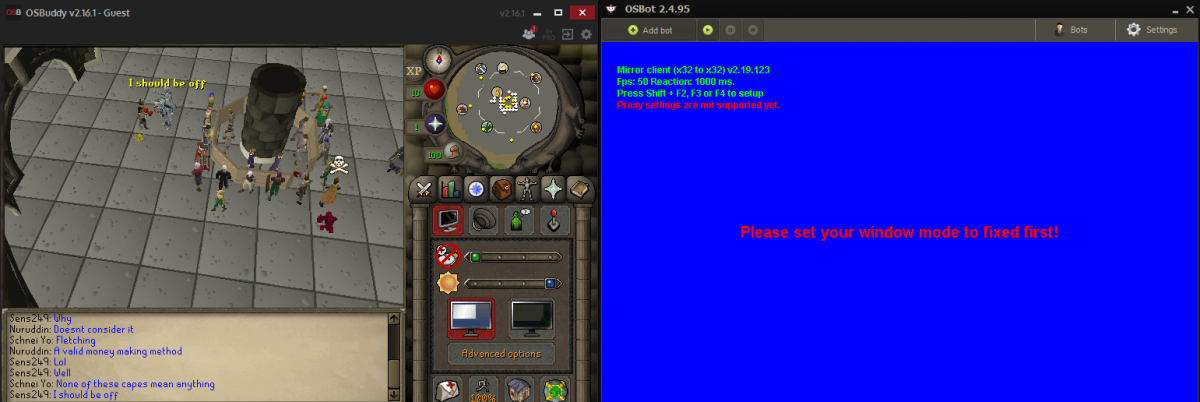
For some reason, I keep getting the blue screen that tells me to put the client into fixed mode, even though in-game it is already in fixed mode. The only two things I have open are 1 OSbuddy and 1 OSbot and proxifier. I am using proxifier to open the OSbuddy if that matters. When I use the official OldSchool client there are no problems, even with proxifier. Anyone know what's causing it or how to fix it? (see attachment)
-
Bought script testing it out, any info on if its still accurate money p/h ? Whats the best wood for money? Also is this a one time payment and I can use it on as many accounts as I want or its 2.69 per account?