TheMuffStuff
Members
-
Joined
-
Last visited
-
Yeah its all good, im not really worried, or not throwing blames around. Im kind of surprised myself!
-
Welp, Botted yesterday for about 5 hours, came home to still botting, everything was good. Logged off to go to sleep, woke up this morning and had a 2 day. :P
-
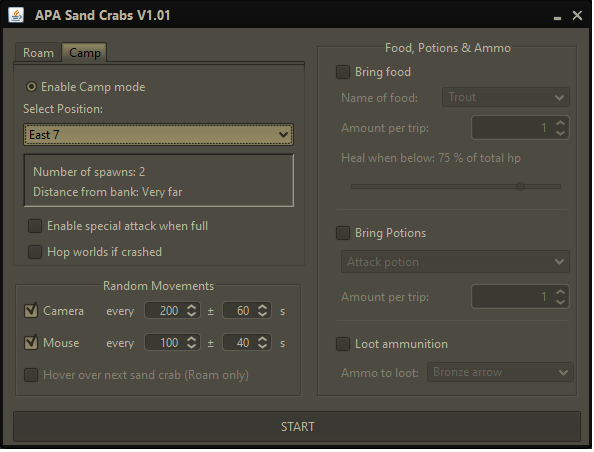
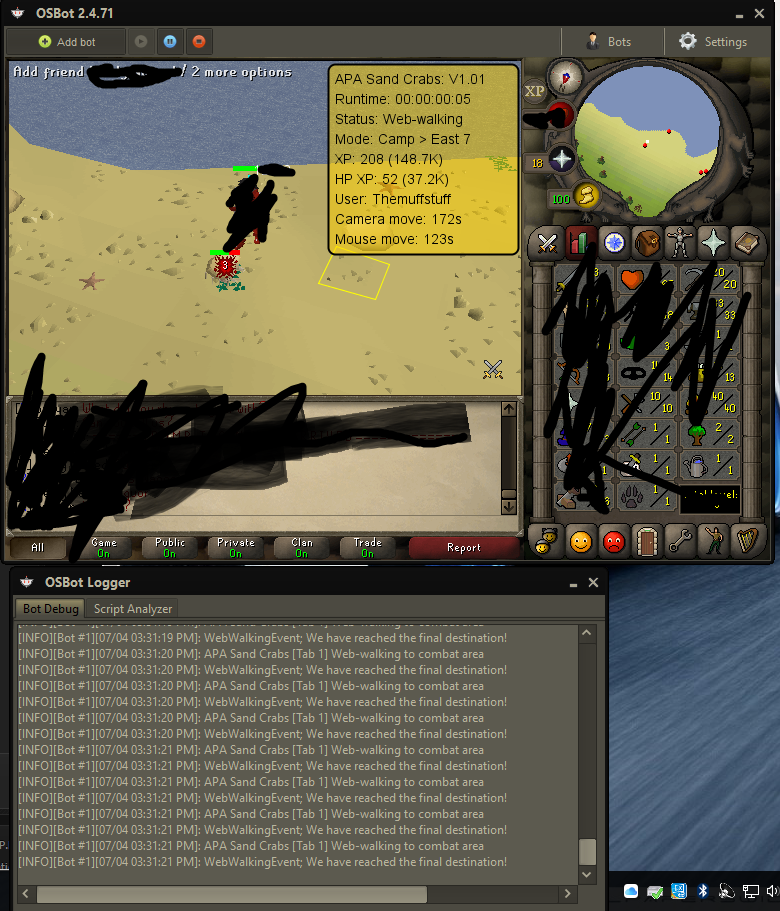
I reset the client & the bot. Even when I manually sit on the square and start it up, the logger still spams web-walking to combat area. It does it for every east spot, havent tried west yet. Ill stick to roam for now, appreciate the fast replys!
-
Here you go.. The console just keeps spamming "we have reached the final destination!" and its clearly not even in the square. But roam works flawlessly.

-
Just bought it, awesome work man. Does it have some kind of detection to reset the aggro? Because my guy doesnt seem to want to move, he just sits