
Ayylmao420
Members
-
Joined
-
Last visited
Everything posted by Ayylmao420
-
Buying wilderness medium diary accounts! discord: botislive / 328490038021324800
-
-
-
-
-
-
-
-
-
-
-
-
-
legacy login, no e-mail registered discord: botislive / 328490038021324800
-
-
-
-
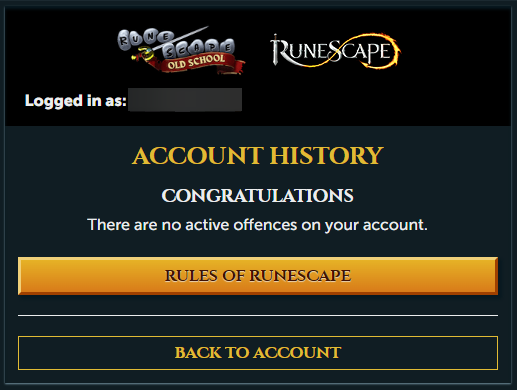
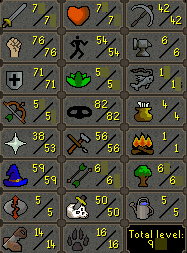
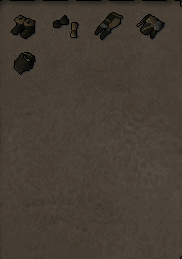
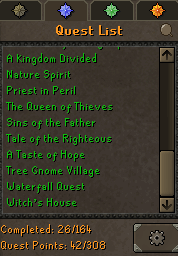
stock: 0 discord : botislive / 328490038021324800 1. Pictures of the account stats 2. Pictures of the total wealth (if there is any) 3. Pictures of the quests completed 4. The price you will be starting bids at 30$ 5. The A/W (Auto-win) for your account 30$ 6. The methods of payment you are accepting only accepting osrs gp as a payment 7. Your trading conditions buyer always goes first 8. Pictures of the account status 9. Original/previous owners AND Original Email Address email is registered, will be changed to buyers email
-
-
-
75 range 43 prayer 40 defence ava's accumulator legacy login no previous bans no e-mail registered discord botislive / 328490038021324800
-
-
no previous bans & no email registered discord botislive / 328490038021324800
-
50+ hitpoints 50+ defence 50+ agility 50+ mining raiments of the eye set abyssal needle lost city discord botislive / 328490038021324800
-
buying base 50/60 melee accs with 43 prayer discord botislive / 328490038021324800