Jump to content
View in the app

A better way to browse. Learn more.

OSBot :: 2007 OSRS Botting

A full-screen app on your home screen with push notifications, badges and more.

To install this app on iOS and iPadOS
  1. Tap the Share icon in Safari
  2. Scroll the menu and tap Add to Home Screen.
  3. Tap Add in the top-right corner.
To install this app on Android
  1. Tap the 3-dot menu (⋮) in the top-right corner of the browser.
  2. Tap Add to Home screen or Install app.
  3. Confirm by tapping Install.

kyle709

Members
  • Joined

  • Last visited

Everything posted by kyle709

  1. kyle709 replied to Token's topic in Others
    anyone else get banned almost instantly with this lol lost several accounts
  2. kyle709 replied to FrostBug's topic in Minigames
    can i get a test?
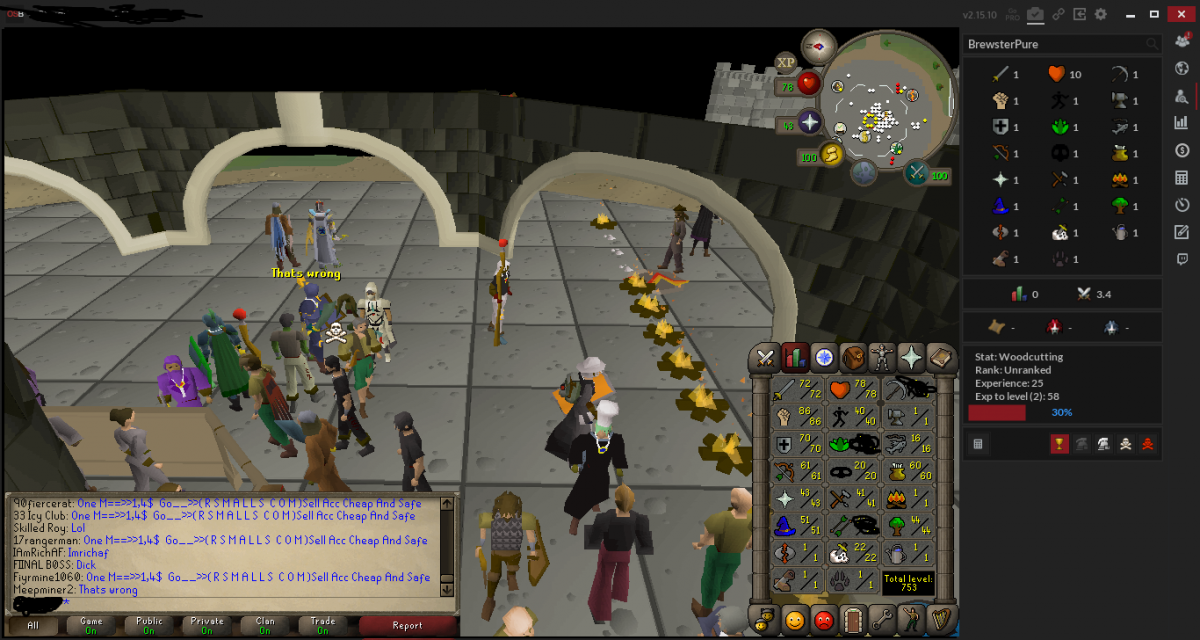
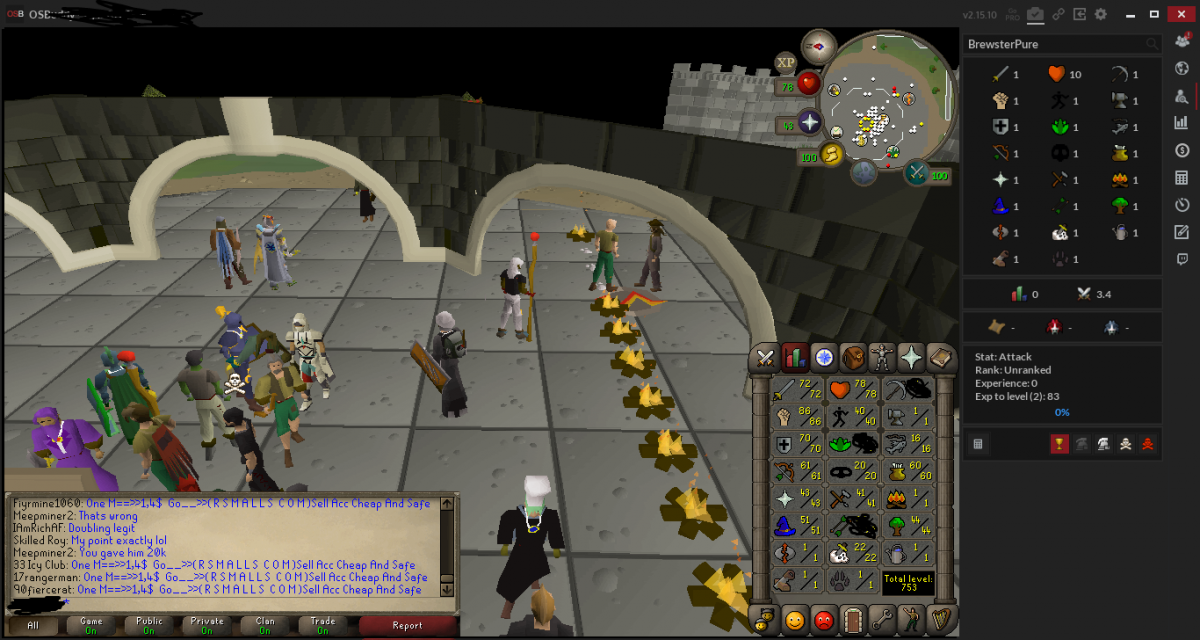
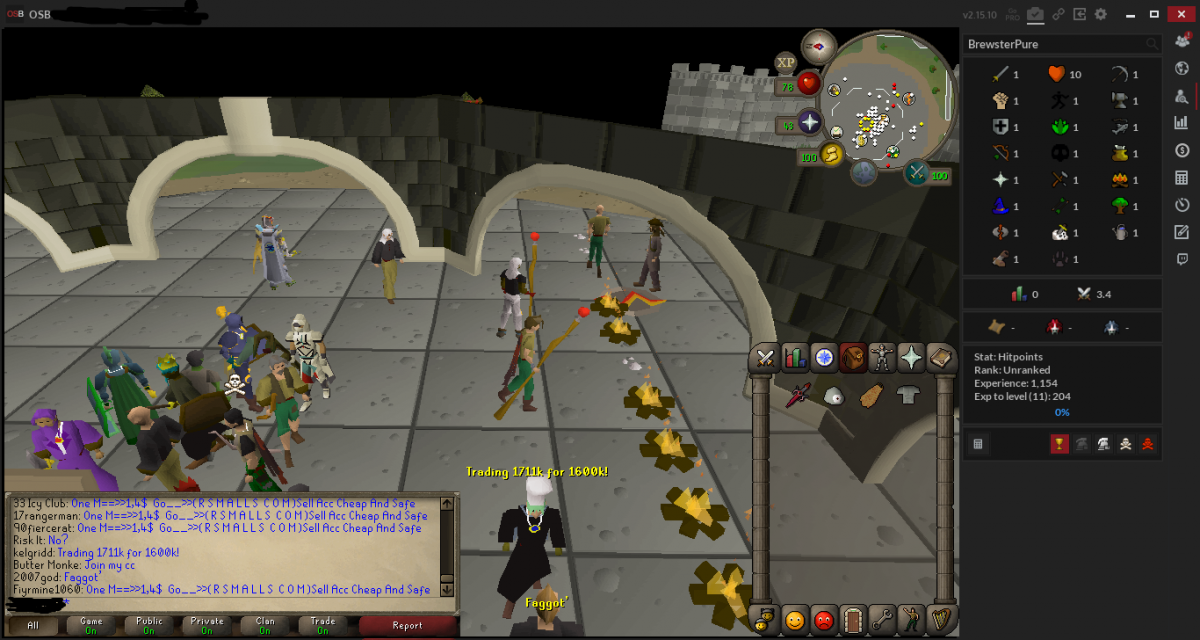
  3. looking to trade my lvl 93 starter main for a pure has torso fire cape d def and fight helm never botted or banned check it out here http://osbot.org/forum/topic/102475-lvl-93-main/
  4. http://osbot.org/forum/topic/102475-lvl-93-main/
  5. kyle709 replied to kyle709's topic in Price Check
    was looking to trade for another account
  6. kyle709 replied to kyle709's topic in Price Check
    done
  7. kyle709 posted a topic in Price Check
    looking to trade my lvl 93 main for a decent starter pure account has 10 year cape on rs3 and decent stats on there aswell
  8. kyle709 replied to Token's topic in Others
    may i get a trial please just started my new pure :P i wana buy it tommrow when ei comes in haha

Account

Navigation

Search

Configure browser push notifications

Chrome (Android)
  1. Tap the lock icon next to the address bar.
  2. Tap Permissions → Notifications.
  3. Adjust your preference.
Chrome (Desktop)
  1. Click the padlock icon in the address bar.
  2. Select Site settings.
  3. Find Notifications and adjust your preference.