Butta
Java Lifetime Sponsor
-
Joined
-
Last visited
Everything posted by Butta
-
let me spoon feed you real quick
-
Current Stock: 100M Skype: randomidiot123 -dont even dare to waste my time with scam attempts-
-
add me on skype. randomidiot123
-
-
noted down, add me on skype to stay updated. skype: "randomidiot123"
-
Osbot community in a few words.. >18 Post count = Life goal 9gag memes
-
yes, but no black marks, and i wait 1-2 weeks before i sell.
-
i know, if people are interested they will PM me. However i can say that the defence level is not 1.
-
Oh, i thought its understandable. However, i will set your email to its first email - or you can. If you have any further questions, feel free to add me on skype: "randomidiot123"
-
bid starts at 50m.
-
@@Bauer428 http://osbot.org/forum/topic/106811-selling-99-mining-account-wmining-pet-full-prospector/
-
@@dmix http://osbot.org/forum/topic/106811-selling-99-mining-account-wmining-pet-full-prospector/
-
Note: I have been selling and creating these accounts for 1 year now! NO REGISTERED E-MAIL! I have multiple 99's ! 1. Pictures of the account stats DEF 1 AVAILABLE 2. Pictures of the login details 3. Pictures of the total wealth (if there is any) 4. Pictures of the quests completed 5. The price you will be starting bids at 70M 6. The A/W (Auto-win) for your account 99M 7. The methods of payment you are accepting OSRS/BTC/PP 8. Your trading conditions Middleman or you go first 9. Pictures of the account status 10. Original/previous owners AND Original Email Address I will set your email as its first email - or you can after you have paid.
-
-
proxy didnt run out, but it was a proxy issue. Thanks!
-
http://i.imgur.com/3AdLJcl.png Does anyone else get this error? Solution?
-
online
-
What are the limits for free users? I found this , but it only says the advantages of VIP etc. http://osbot.org/forum/store/
-
i am sure i can help you out. make sure to check this out: Airzin's Graphics | 10+ Years of Experience | 5k+ Offsite Vouches - Market - OSBot :: 2007 OSRS Botting
-
nice to hear Sysm! best regards
-
what are you on about? if you actually think that
-
flaming/hatin aint criticism
-
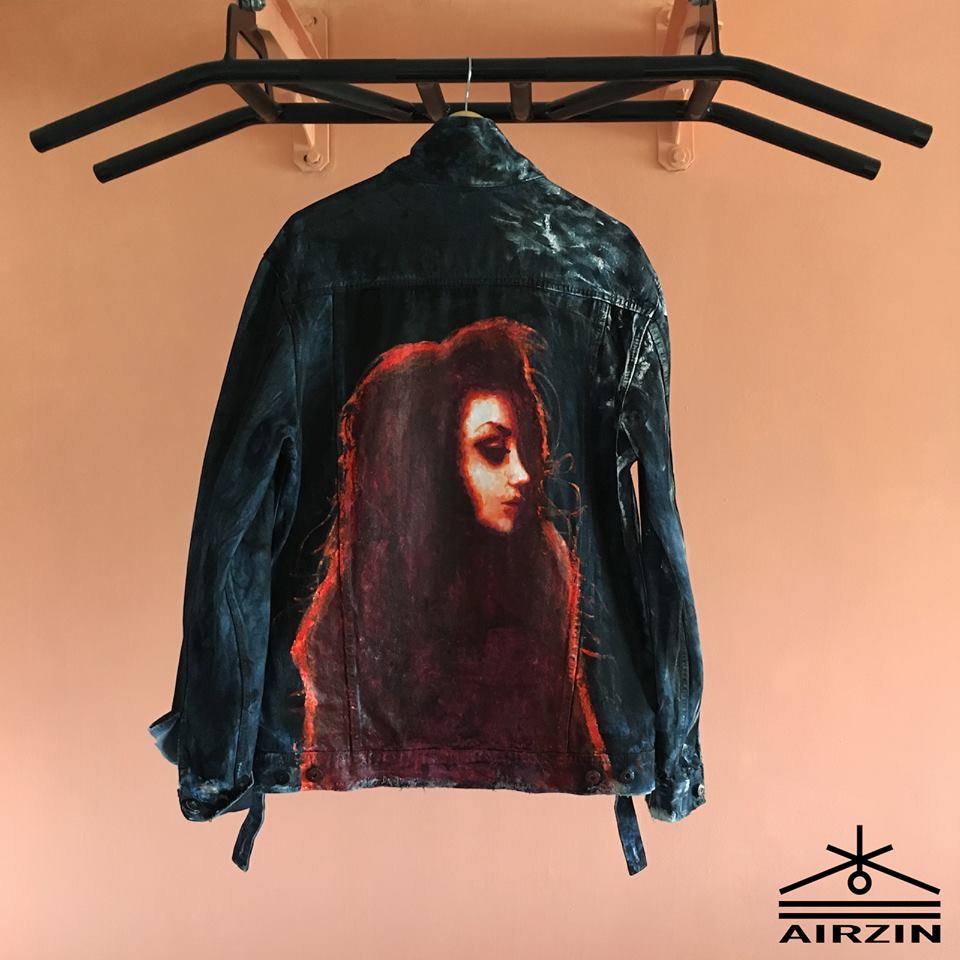
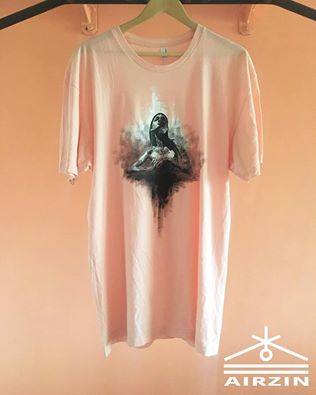
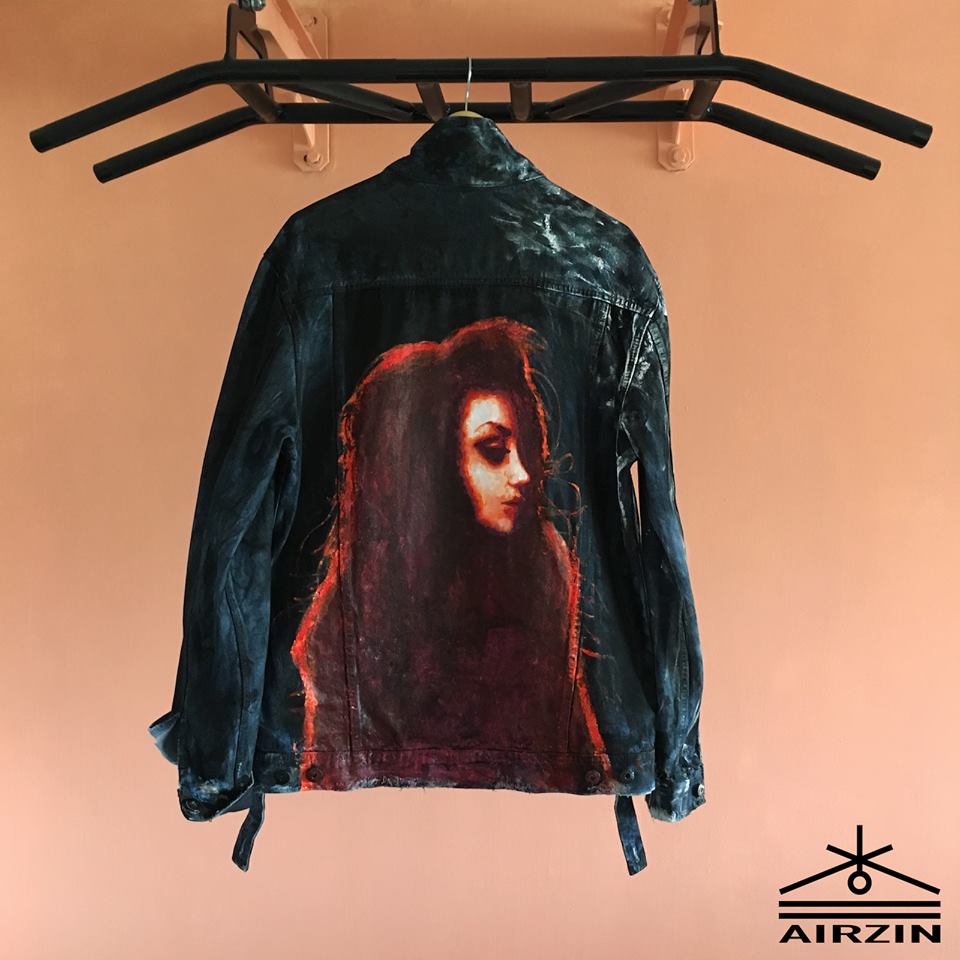
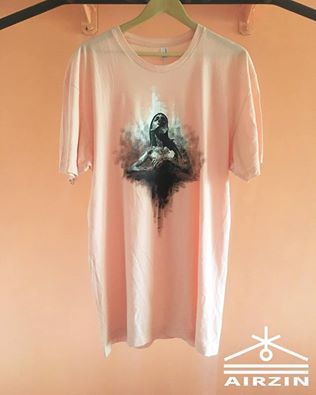
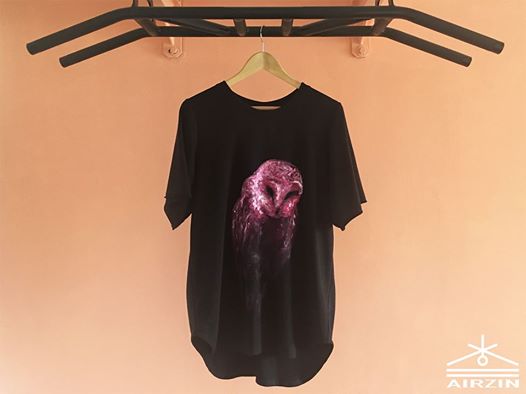
I have an own website www.airzin.com , feel free to check it out. you can also checkout my instagram which is "Airzin" yes, as i said above, you can find multiple stuff on instagram or my website. I will post more since I am currently working on some shirts! (All hand colored) Unfortunately I value my time too high, therefore i cannot really offer free work. Best regards I can accept criticism, but they should be on a higher level

-
if you need something professional make sure to check my new thread. I am from a different botting platform and partnered with Mods! http://osbot.org/forum/topic/103200-airzins-graphics-10-years-of-experience-5k-offsite-vouches/
-
Edit: I added some shirts I have done, all of them are hand colored (not printed) __________________________________ If you want something graphical done add me on skype: Randomidiot123