Cruel Hands
Members
-
Joined
-
Last visited
-
Not upset with him, just wanted to figure out why it happened and now I understand. Thanks for your help everyone!
-
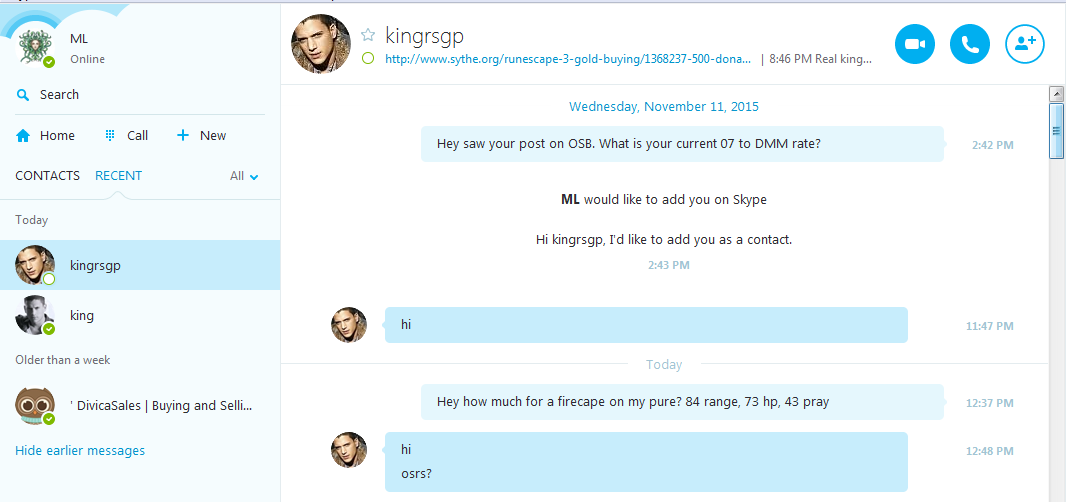
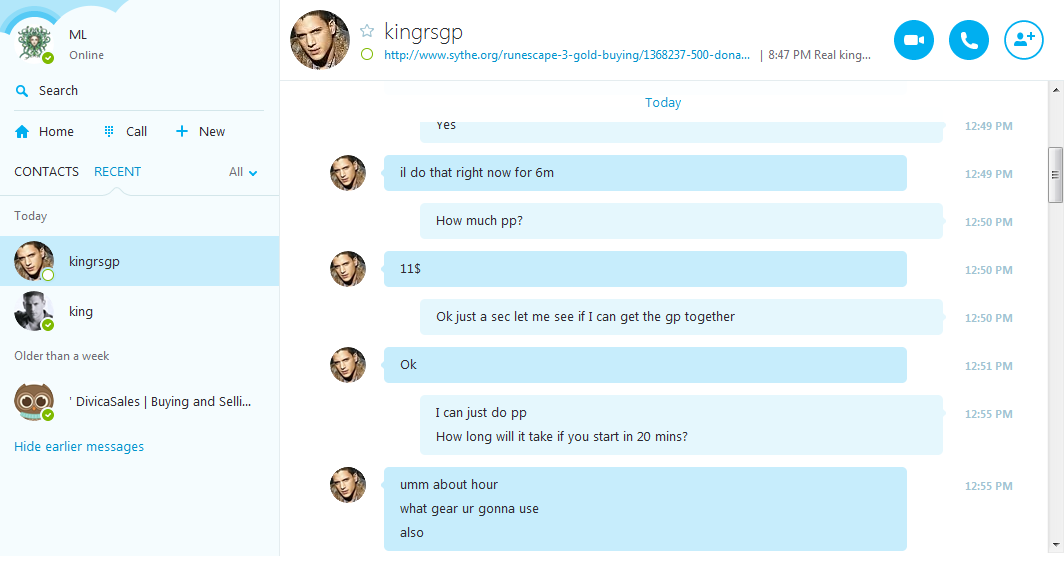
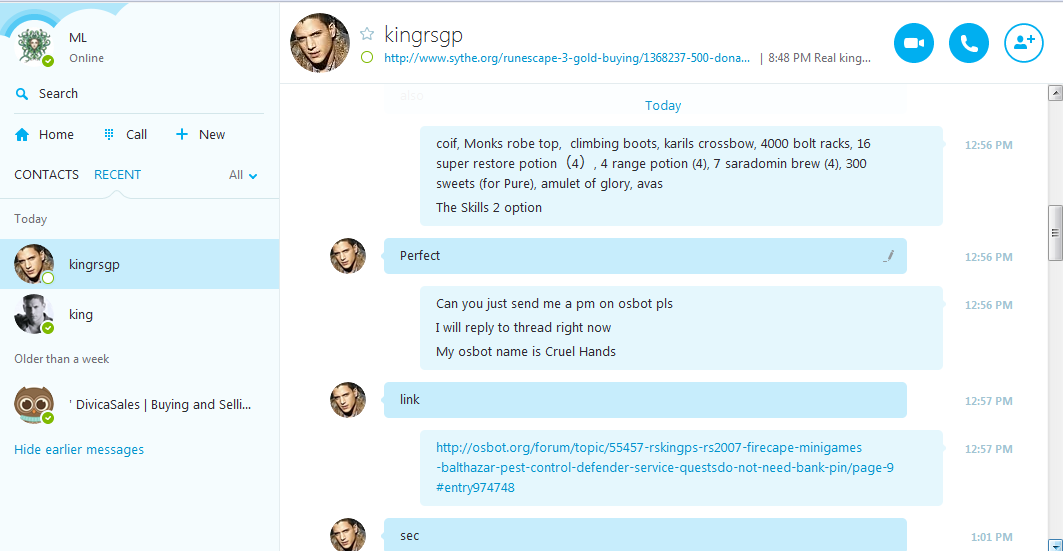
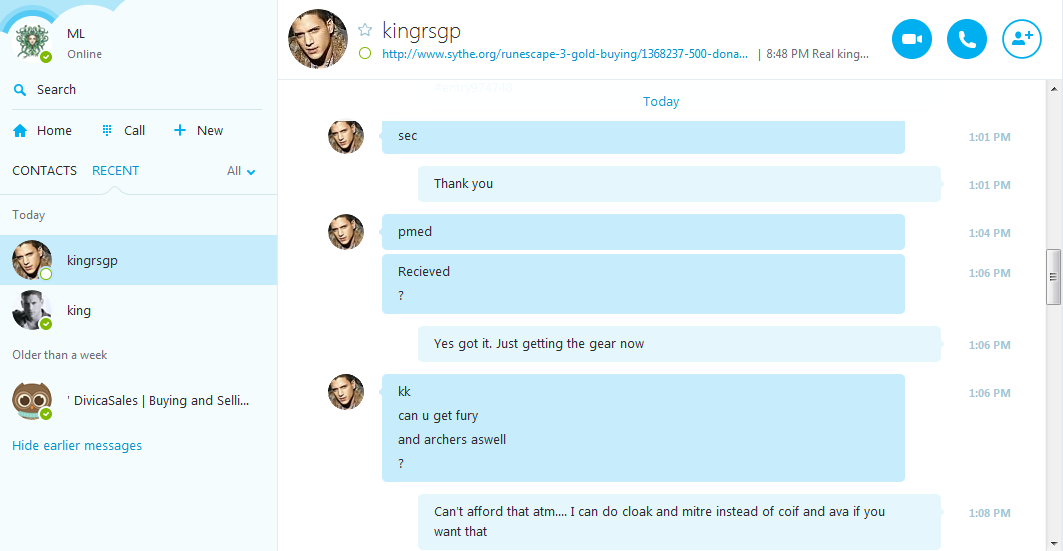
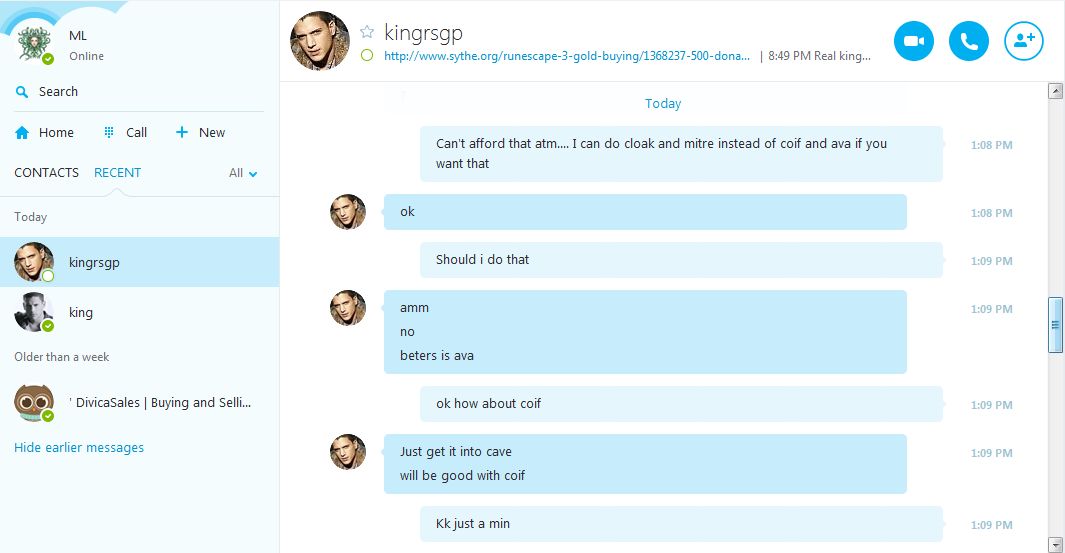
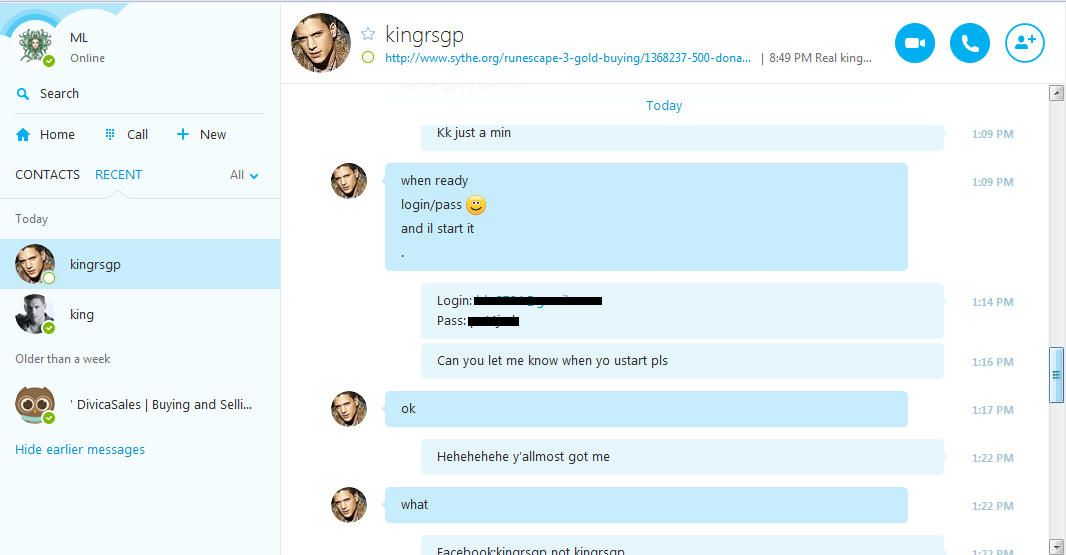
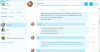
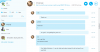
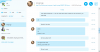
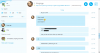
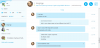
Here are the pictures with the conversation I had with him when I messaged him asking about the 'imposter'. He would not offer any help at all. Please notice, I received the PM from him approximately 25 minutes BEFORE starting a conversation with him (received when talking to the 'other guy'). I received a PM from him at 1:05PM and as you see below, I messaged him after I got scammed at 1:28PM. Thank you.
-
Picture of PM: Pic of him taunting me for reseting/taking my stuff because I suspected he was scamming me:
-
Disputed member: Rskingp Thread Link: http://osbot.org/forum/topic/55457-rskingps-rs2007-firecape-minigames-balthazar-pest-control-defender-service-questsdo-not-need-bank-pin/ Explanation: I added him on Skype and we were discussing firecape service. I accepted all terms and I asked for PM on OSbot. I received a PM from Rskingp on the site with a Skype convo that wasn't EXACTLY what was said but it was the same guidelines so I figured it was fine. I gave him username and password of account I wanted firecape on, and he logged in. I double checked everything to be sure, and realized his skype was facebook:kingrsgp and not kingrsgp. I changed my pass and got back into my account a few minutes later, and all my deadman stats have been reset to 1, and my items on both modes are gone. I went through the Skype link in rskingp's profile to find another Skype and talked to him but he's 'busy'. My problem here is that although I was talking to an imposter on Skype, I still received a false conversation from rskingp which led me to believe that that Skype was legit- but obviously it wasn't. So why did he send me a PM looking legit although I was talking to an imposter? I got scammed at the mercy of this person (rskingp) and I would like him to compensate me for what happened [86 mage, 91 range on DMM reset to 1, along with ~700k gone. ~2M osrs gp gone (All gear I said in Skype chat that I had on my character for fire cape. Rest of my stuff was banked)]. Evidence:
-
Your skills: 84 Range, 73 HP, 43 Pray Payment method: Paypal Added me yet: Yes, talking on Skype. Please send PM.