Jump to content
View in the app

A better way to browse. Learn more.

OSBot :: 2007 OSRS Botting

A full-screen app on your home screen with push notifications, badges and more.

To install this app on iOS and iPadOS
  1. Tap the Share icon in Safari
  2. Scroll the menu and tap Add to Home Screen.
  3. Tap Add in the top-right corner.
To install this app on Android
  1. Tap the 3-dot menu (⋮) in the top-right corner of the browser.
  2. Tap Add to Home screen or Install app.
  3. Confirm by tapping Install.

xxx269xxx

Members
  • Joined

  • Last visited

  1. xxx269xxx replied to Czar's topic in VIP Scripts
    there was an update he should be fixing soon. dont worry
  2. thanks so much! love the scripts -xxx269xxx
  3. no im not ranging, and i am using fixed mode. It started happening 3 hours ago.. Thanks!! xxx269xxx
  4. Hey bro it keeps freezing when ever i start the bot?
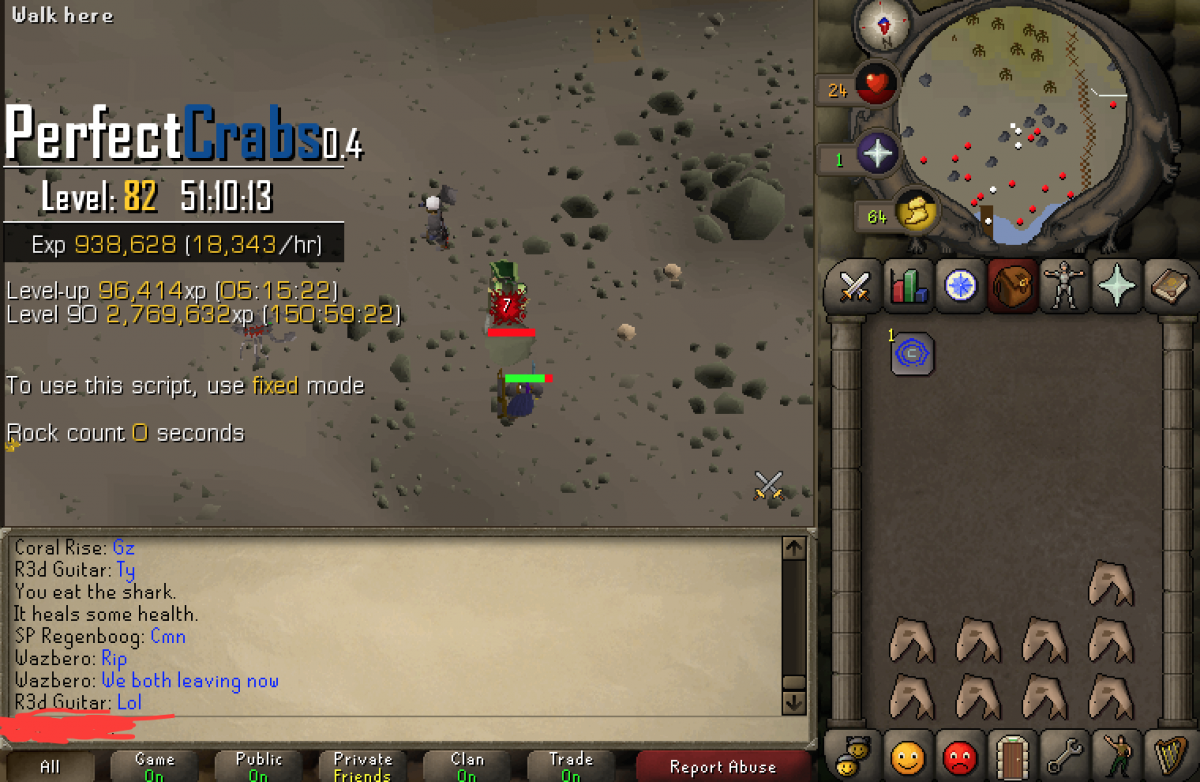
  5. Best script heres a good proggy from this weekend when i went on my surf trip:
  6. same here
  7. eating fixed??
  8. updated yet? thanks!!!
  9. Hey script isn't eating my food (monkfish) caught it before i died though. Was 2 hp.

Account

Navigation

Search

Configure browser push notifications

Chrome (Android)
  1. Tap the lock icon next to the address bar.
  2. Tap Permissions → Notifications.
  3. Adjust your preference.
Chrome (Desktop)
  1. Click the padlock icon in the address bar.
  2. Select Site settings.
  3. Find Notifications and adjust your preference.