Cruelmrchicken
Members
-
Joined
-
Last visited
Everything posted by Cruelmrchicken
-
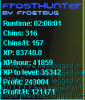
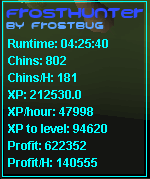
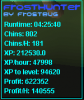
Well i decided to leave this on for about 5 hours and the proggy was great, but then after a few hours after i stopped the bot i logged into rs with os buddy then it disconnected me and i was banned lol. Was only banned for 2 days by a "bot busting moderate" but I am still very happy with this script, it got me the hunter lvl needed and well after these two days I guess it'll be legit Awesome script nonetheless, here's that proggy
-
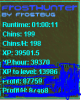
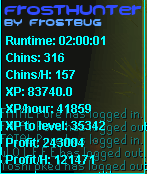
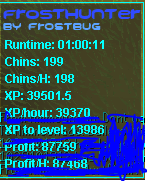
Looking to purchase this shortly, currently still researching osbot and the scripts (new to the site). But once i purchase the script expect some proggies Just purchased the script, looks nice so far, haven't encountered any problems First proggy so far and the script is pretty awesome was averaging about 200 grey chins per hour but paused a few times to talk to friends. Another proggy, this one a 2 hour run time. This is by far the best hunting script I've used!