kindred
Members
-
Joined
-
Last visited
Everything posted by kindred
-
-
40$
-
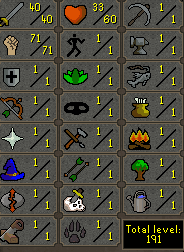
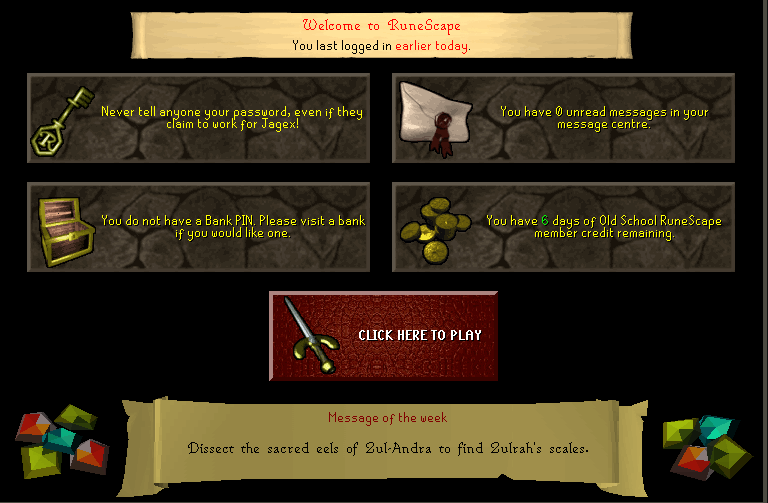
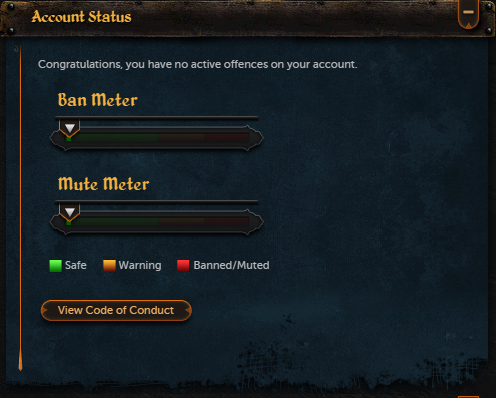
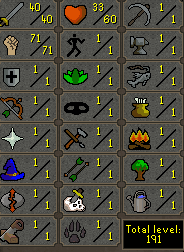
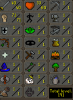
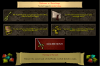
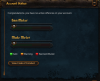
1. Pictures of the account stats 2. Pictures of the login details 3. Pictures of the total wealth NOTHING 4. Pictures of the quests completed - 5. The price you will be starting bids at 7$ 6. The A/W (Auto-win) for your account 30$ 7. The methods of payment you are accepting rs07 gold , paypal 8. Your trading conditions Middleman or I go first if you have high feedback 9. Account status 10. Original/previous owners AND Original Email Address I am the original owner. No email is currently set for the account. Will need to set in order to change password EDIT: I recently set my own personal email for a buyer that changed his mind about buying the account at the last minute.
-
55$ i give u for your account
-
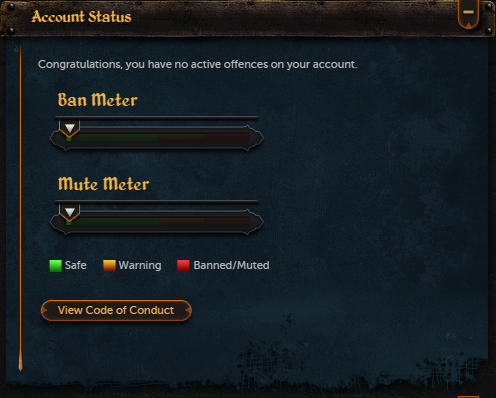
Payment Methods: Paypal or 07 Gp STATS: Account Status:
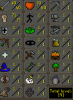
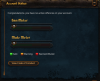
-
Sell 07rs account , str pure , attack 40 , strenght 70 ! OFFER
-
hey, i have old versio of this script, and it says new versio is available dont spam this thread or something like that, how do i update it or do it updates automatic?
-