

Jump to content
View in the app

A better way to browse. Learn more.

OSBot :: 2007 OSRS Botting

A full-screen app on your home screen with push notifications, badges and more.

To install this app on iOS and iPadOS
  1. Tap the Share icon in Safari
  2. Scroll the menu and tap Add to Home Screen.
  3. Tap Add in the top-right corner.
To install this app on Android
  1. Tap the 3-dot menu (⋮) in the top-right corner of the browser.
  2. Tap Add to Home screen or Install app.
  3. Confirm by tapping Install.

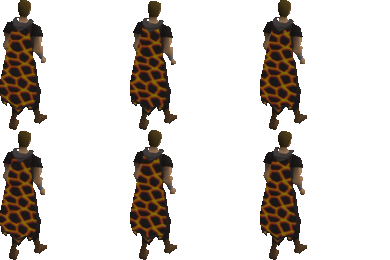
❤1300 + Infernal capes/3000 + Fire capes completed❤[reliable, fast]❤ INFERNAL CAPE/1-31PRAY FIRE CAPE/QUIVER...Cickarful's caping service ❤[All kind of capes][since 2013][Paypal, crypto, 07GP]❤cickarful@gmail.com, Discord: cickarful#6094 ❤Remote/Login ❤
Featured Replies

waiting for u to come online. i added ur skype but the imposers used ur skype name as ur display name. so i was speaking with him the entire time. then i asked for PM from him incase he said i got no risk because i can close TV anytime. lol. then i viewed his skype name to double check. his name is live:cLckarful.sythe. the L is lower cased. good thing i caught it before he controlled my PC

Thanks man! This guy got me an infernal cape for $225! Vouch for this guy! He is the cheapest infernal caper on these rs sites that I know of. Future buyers don’t be scared of cape removal or bans. This is all done on teamviewer on your IP. There is no proof for Jagex to prove you have purchased the cape even though they suspect it. They won’t remove the cape without solid proof. If they do with no proof but on suspicion it would look bad on them. If they decide to go that route the worse that can happen is cape removal and or 2 week ban. They won’t perm ban a player with no solid evidence. Thanks for the cape again cickarful! 

Create an account or sign in to comment

Recently Browsing 0

  • No registered users viewing this page.

Account

Navigation

Search

Configure browser push notifications

Chrome (Android)
  1. Tap the lock icon next to the address bar.
  2. Tap Permissions → Notifications.
  3. Adjust your preference.
Chrome (Desktop)
  1. Click the padlock icon in the address bar.
  2. Select Site settings.
  3. Find Notifications and adjust your preference.