Jump to content
View in the app

A better way to browse. Learn more.

OSBot :: 2007 OSRS Botting

A full-screen app on your home screen with push notifications, badges and more.

To install this app on iOS and iPadOS
  1. Tap the Share icon in Safari
  2. Scroll the menu and tap Add to Home Screen.
  3. Tap Add in the top-right corner.
To install this app on Android
  1. Tap the 3-dot menu (⋮) in the top-right corner of the browser.
  2. Tap Add to Home screen or Install app.
  3. Confirm by tapping Install.

vjdal

Members
  • Joined

  • Last visited

Everything posted by vjdal

  1. ...

    vjdal replied to Cory's topic in Archive
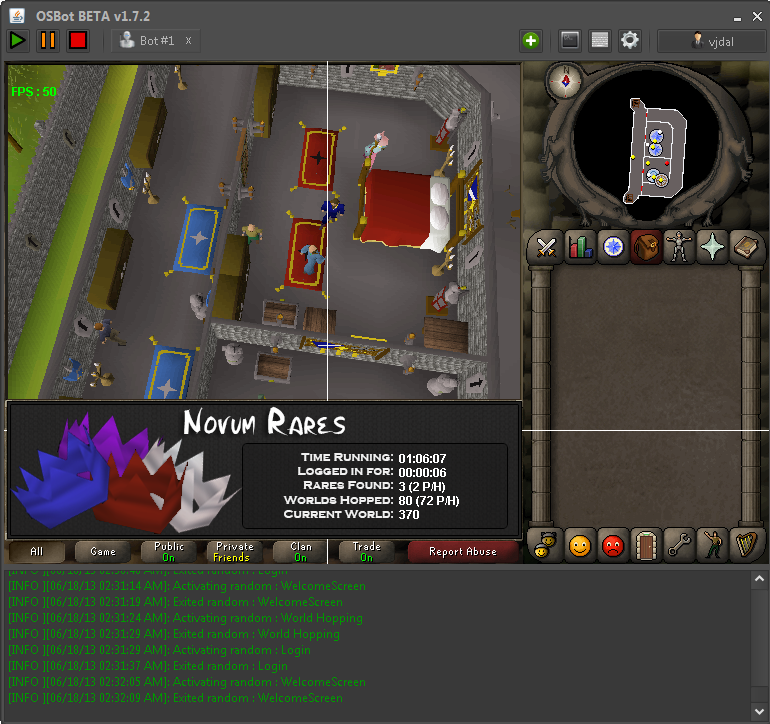
    i've actually set the bot up for a good 6 hours aha found nothing. I last stopped it and started again an hour ago I would assume I would have gottan one in six hours?
  2. ...

    vjdal replied to Cory's topic in Archive
    login to see this. Is it not picking them up or is someone beating me to them when it finds?
  3. ...

    vjdal replied to Cory's topic in Archive
    Thanks buddy :3 #topguy
  4. ...

    vjdal replied to Cory's topic in Archive
    So wait people are claiming it is picking up masks but here you say it doesn't support it? Has it been updated or something? Thanks for this tho mate appreciate it :3


Account

Navigation

Search

Configure browser push notifications

Chrome (Android)
  1. Tap the lock icon next to the address bar.
  2. Tap Permissions → Notifications.
  3. Adjust your preference.
Chrome (Desktop)
  1. Click the padlock icon in the address bar.
  2. Select Site settings.
  3. Find Notifications and adjust your preference.