Tsquare
Members
-
Joined
-
Last visited
-
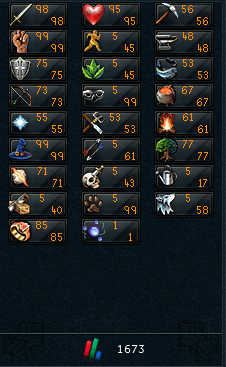
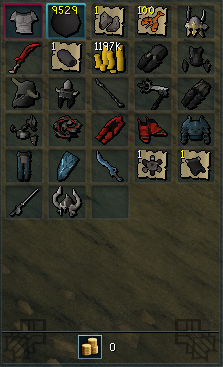
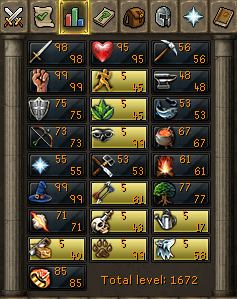
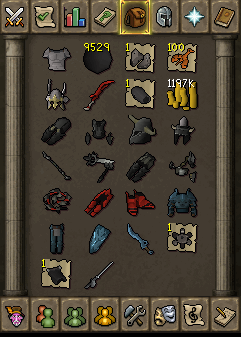
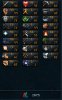
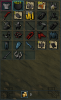
Hello guys i wanted to price check my eoc main before i sell him. what could i get for this account with these state and items what are left on the account shown in the picture the account did quests like dessert treasure and monkey madness.
-
-
auto update
-
client wont start anymore, just wait till the update from osbot.
-
It is not working for wilderness.
-
fix wilderniss
-
Doesn't pick up rods in barb fishing when dropped, Doesn't click on bed if none found, Doesn't log out if out of feathers, Doesn't log out if stuck in random or died. Apart from that it's good
-
i have the barbarian rod in the inventory and feathers still wont start loggs me off and saying no fishing rod.
-
ye its good on barbarian outpost but it seems to have a little bug. its losing my heavy rod over and over.
-
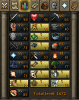
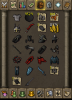
Hello guys, I would like to price check my eoc main account here and sell it. ( Pay Pal Only ) Never been banned on this account. The Stats & Items & Cash what is left on the account you can see on the attached files for pictures. Thanks, Tsquare
-
-
would be great if it could find phats on the 4th
-
script isnt working anymore after the patch, it will walk to the yews and the status keeps on waiting while the yew is right beside him.
-
My axe broke at oaks at varrock west.