Jump to content
View in the app

A better way to browse. Learn more.

OSBot :: 2007 OSRS Botting

A full-screen app on your home screen with push notifications, badges and more.

To install this app on iOS and iPadOS
  1. Tap the Share icon in Safari
  2. Scroll the menu and tap Add to Home Screen.
  3. Tap Add in the top-right corner.
To install this app on Android
  1. Tap the 3-dot menu (⋮) in the top-right corner of the browser.
  2. Tap Add to Home screen or Install app.
  3. Confirm by tapping Install.

Edwardszym

Members
  • Joined

  • Last visited

Everything posted by Edwardszym

  1. Why would someone pay you 1.5M to put in a few details, and not even receive member...?
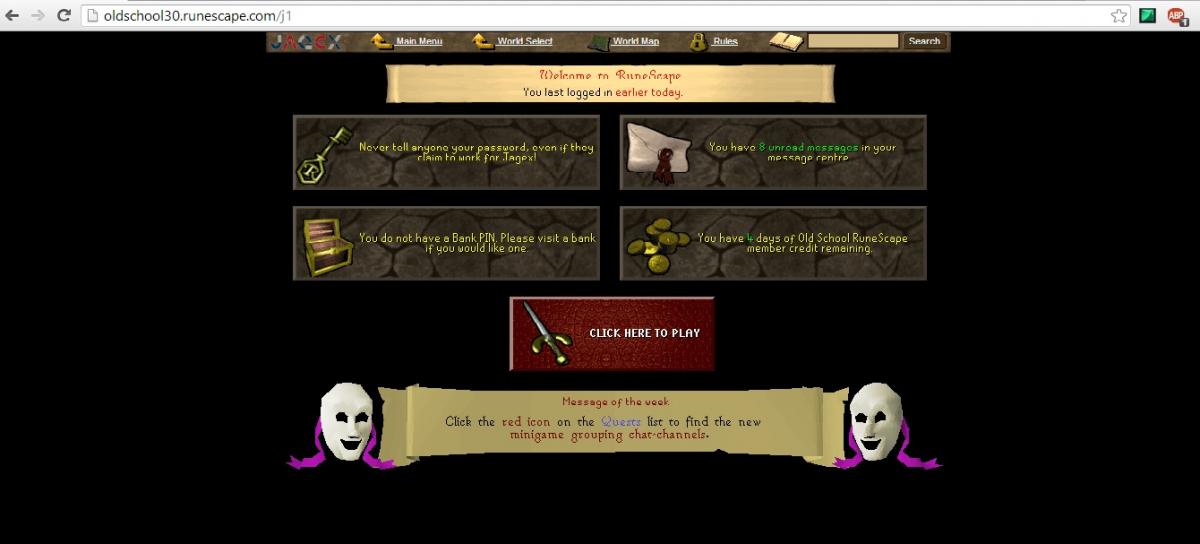
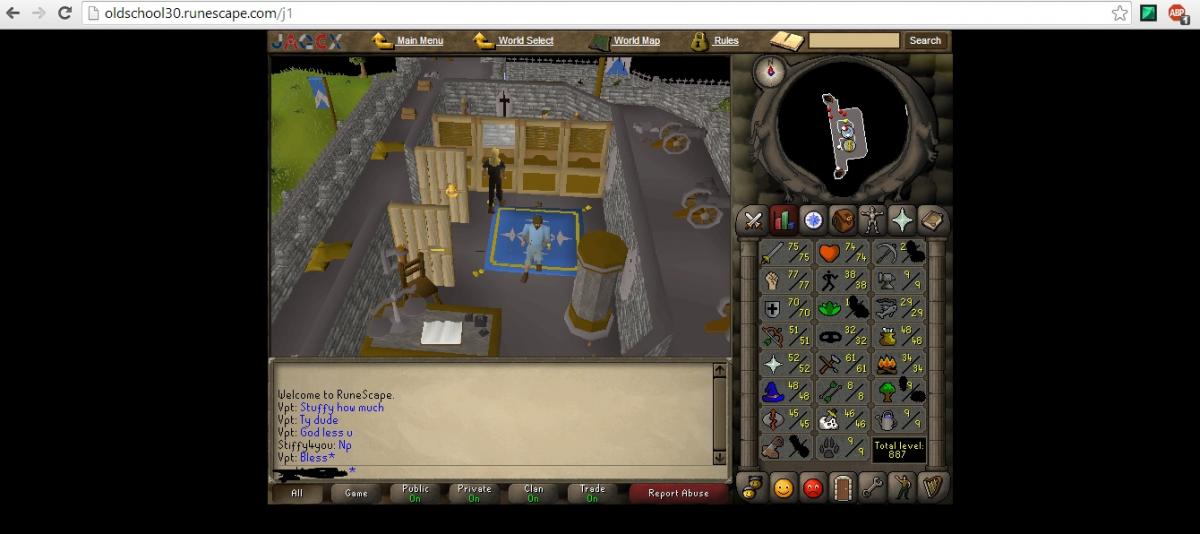
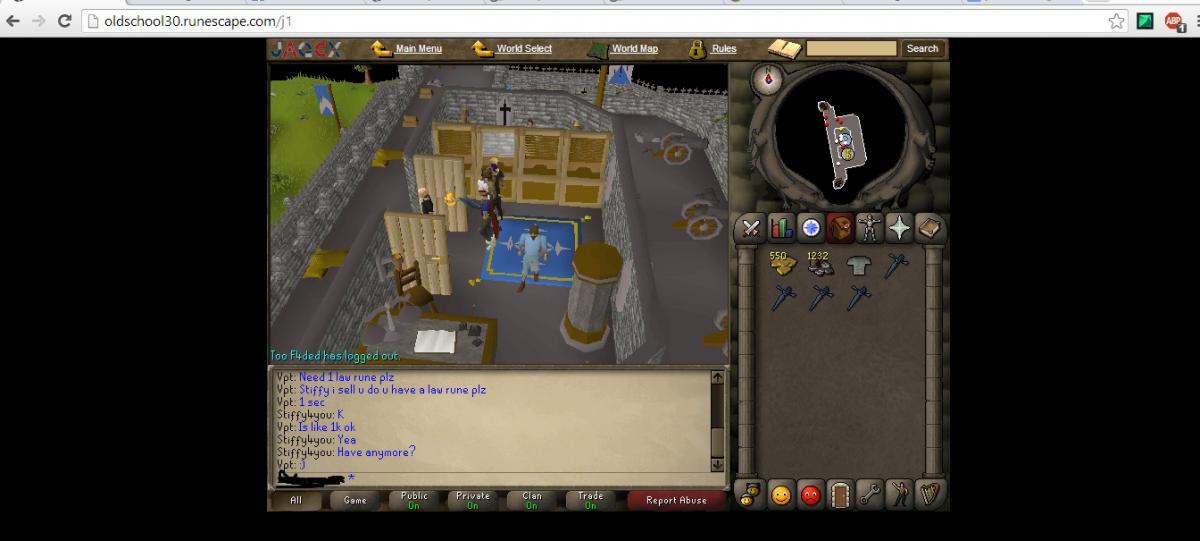
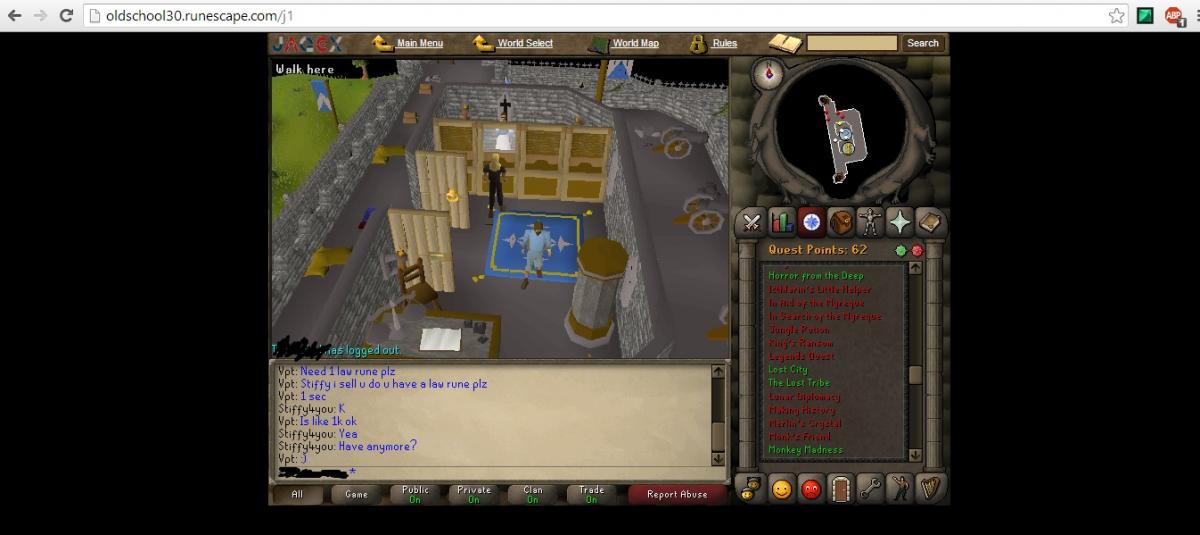
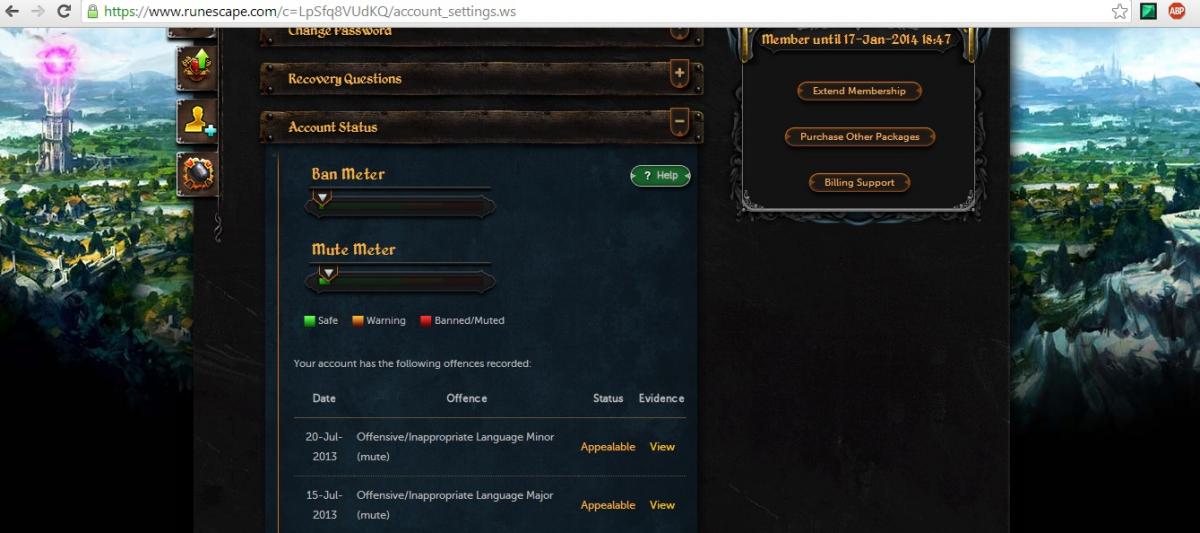
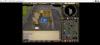
  2. Hey, I've decided to sell my main, and instead to pursue a pure build. I've spent quite a lot of time on this account, but, I personally don't enjoy the main set-up. I am the original owner, and the account has a low mute meter due to offensive language. The account's membership has expired, and I do not wish to add more. I am looking for 07RSPG as payment, feel free to leave your Skype in the comments, to discuss a price, or ask any questions you have. A starting bid of 5MGP, A/W is at 15M RSGP. Thanks!
Account

Navigation

Search

Configure browser push notifications

Chrome (Android)
  1. Tap the lock icon next to the address bar.
  2. Tap Permissions → Notifications.
  3. Adjust your preference.
Chrome (Desktop)
  1. Click the padlock icon in the address bar.
  2. Select Site settings.
  3. Find Notifications and adjust your preference.