Rhedemption
Members
-
Joined
-
Last visited
Everything posted by Rhedemption
-
Ah okay, i wasn't quite sure about what happens with one :P I'm not a pure myself, just a friendly warning to those that are pures, and those who have rather bad luck.
-
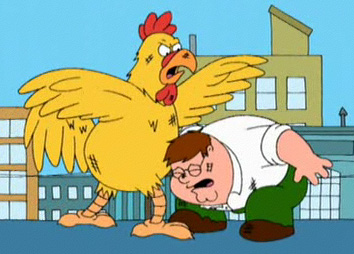
Some seem to forget about a particular random event called 'the evil chicken', let's recap on the chicken! - It fire magic at you from a long distance. - it can hit hard. - it doesn't care about your defence level - and simply has no remorse. And as a pure, your combat level will rise, therefore you may encounter stronger chickens. So lets set the scene: There you are, botting some combat levels, puring away, minding your own business, it appears you've been there for a while, your foods getting low, the bot is doing its job, suddenly, a wild evil chickens appears! What do you do? Fight, item, pkmn or run? Well, the bot will eat, probably try and attack, (not sure what happens) but lets say it runs for you, you only have one trout left, you could find yourself SCREWED. as that chicken ranges you, and perhaps the bot cant get you out in time! OR perhaps the bot tries to step up to the chicken and attack it.. You'll run out of food and either kill, or be killed (bearing in mind you have you have one defence!) So, my botting friends, think, before you wear your best gear out, while botting (especially you, pures)