Jump to content
View in the app

A better way to browse. Learn more.

OSBot :: 2007 OSRS Botting

A full-screen app on your home screen with push notifications, badges and more.

To install this app on iOS and iPadOS
  1. Tap the Share icon in Safari
  2. Scroll the menu and tap Add to Home Screen.
  3. Tap Add in the top-right corner.
To install this app on Android
  1. Tap the 3-dot menu (⋮) in the top-right corner of the browser.
  2. Tap Add to Home screen or Install app.
  3. Confirm by tapping Install.

Litcatdad

Members
  • Joined

  • Last visited

  1. Okay thanks guys! I'll hop over to intellij. This is my first time using eclispe so I couldn't care less
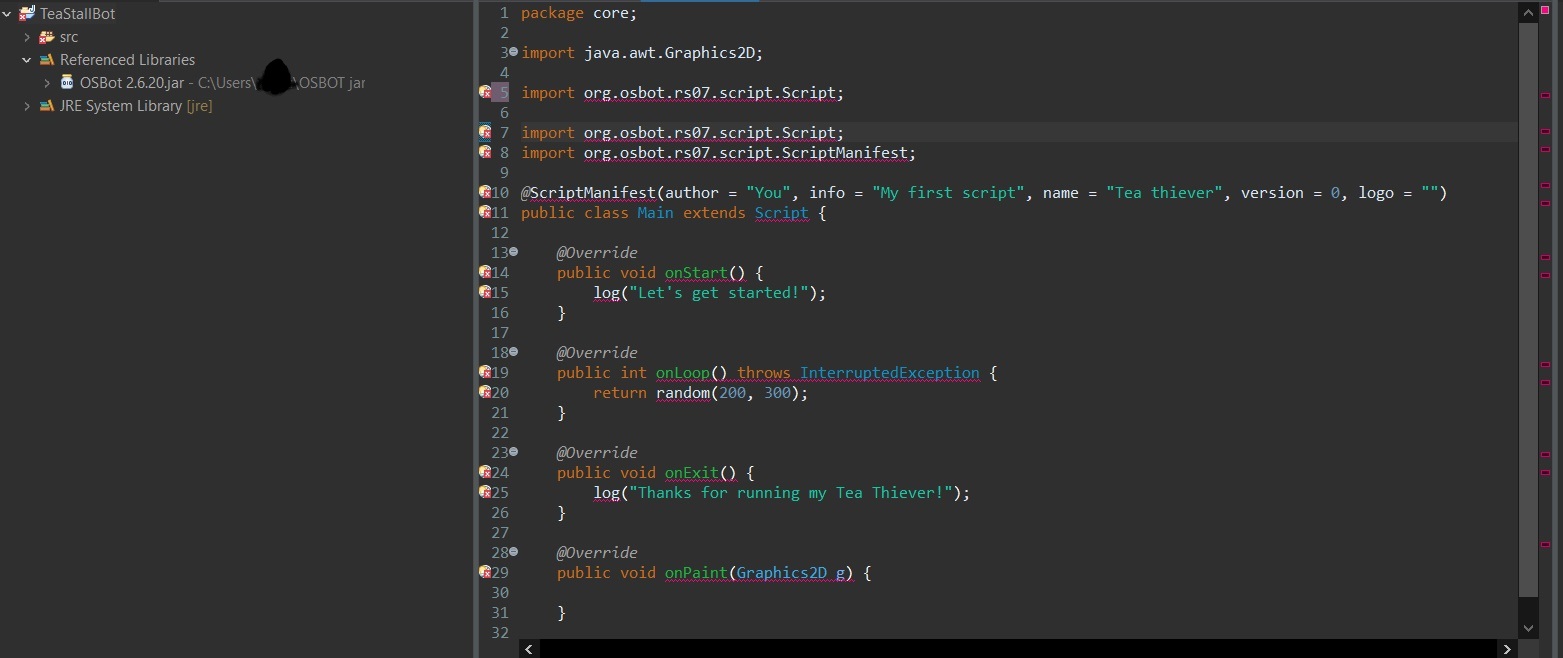
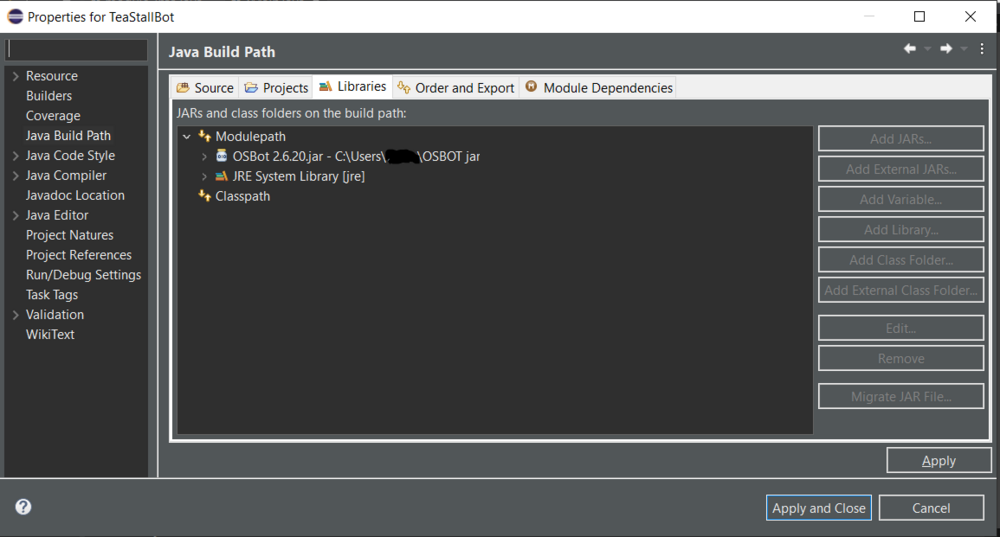
  2. Hi! I tried to be a clear in the title as possible but here is my problem. I am following this basic scripting tutorial. I am confident that I have imported OSBOT JAR API correctly as an external library ( I have errors so I probably didn't). Here is my code so far: (SEE ATTACHED) I am down to video with someone or just chat and see if we can trouble shoot it. This is my first experience with scripts and APIs. I will keep reading online and thanks in advance!
Account

Navigation

Search

Configure browser push notifications

Chrome (Android)
  1. Tap the lock icon next to the address bar.
  2. Tap Permissions → Notifications.
  3. Adjust your preference.
Chrome (Desktop)
  1. Click the padlock icon in the address bar.
  2. Select Site settings.
  3. Find Notifications and adjust your preference.