ranch life
Members
-
Joined
-
Last visited
Everything posted by ranch life
-
Woah, this is almost exactly what I've ben looking for! Do you have the capability to safe-spot from standing in the cow pin? $2.50 is a low price! I'd be happy to pay way more for safe-spot and proper gate control if available.
-
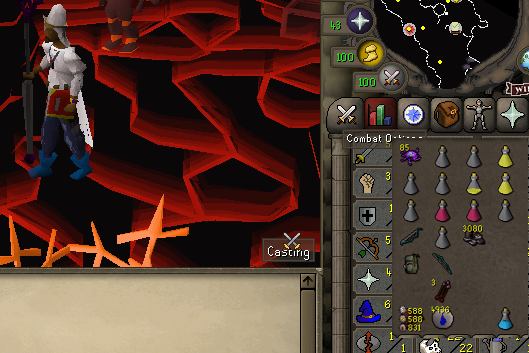
Hey guys first post here, thinking of switching clients this week. Been working on this low lvl, got to wave 52 this afternoon and missed a flick. Built the account to rush dt and jad. I will get the cape on here and it may be a sub lvl 50 combat. My original plan was to trade this account for private scripting services but that may be changing. Any body care to make an offer? ft or osrsgp (once completed and rested) - thanks have a good day ! - if your curious/sceptical as to why I want to switch clients, my service really let me down this weekend. Couldn't utilize the software investment I also operate. verry sad botter no big deal, all things bring full circle and that's how I made this lil monster in a weekend