Harmonicss
Members
-
Joined
-
Last visited
-
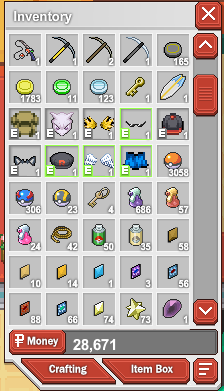
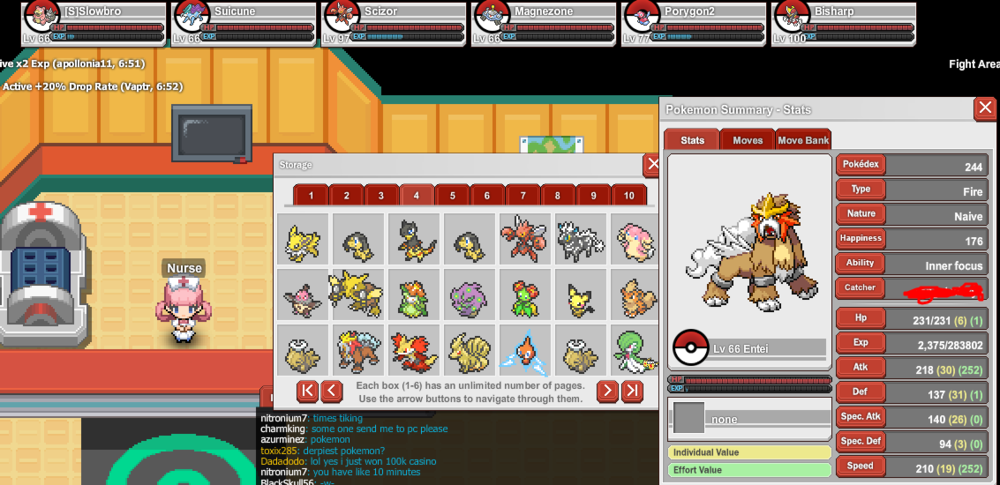
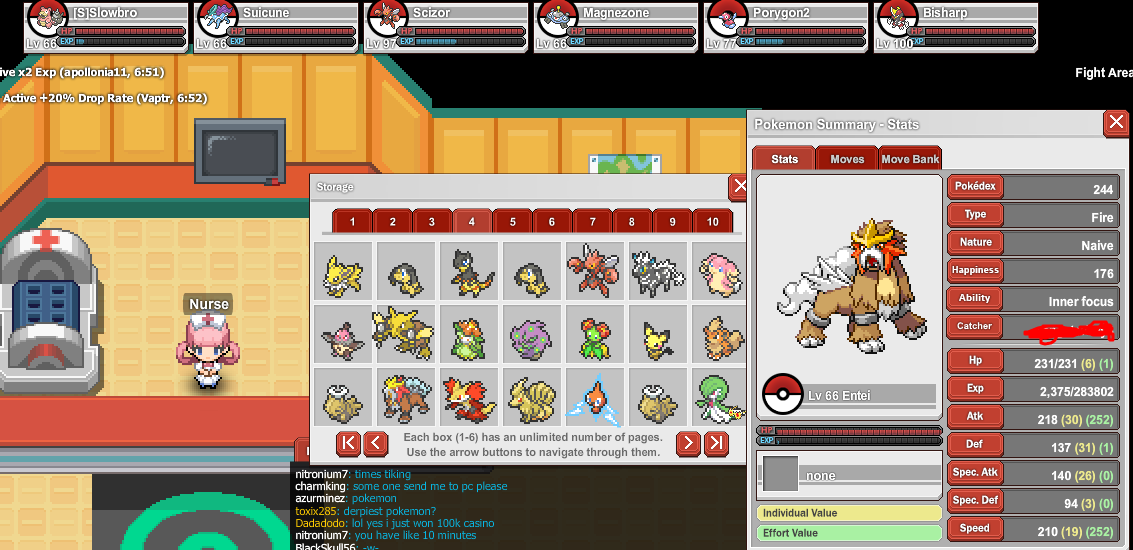
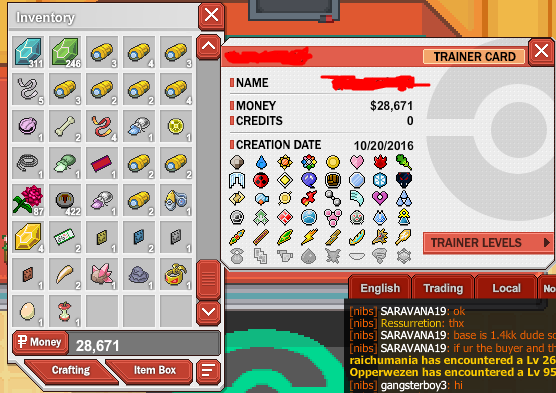
Hello i don't really play ppo anymore so i kinda came to look for somone who might want me very old dedicated account that i mostly spend me whole life on... it has many lvl 100 pokemon tons of tier 33-66 pokemon to use Many shiny in slot 2 in the pokecenter pc i have 2 legendarys pokemon that i worked 9 months to get and i am a og member of ppo with an account fromthe year 2016 and alot of the staff know me but ofcourse i don't speak with them so easy and same for them. if u took a liking heres some pictures. well i am only doing this cause i needed some money for my wii u cause i need new wii remotes so i was kinda looking for gift cards lol i have no expierence with this kinda stuff lmao i can send u the other pics too.
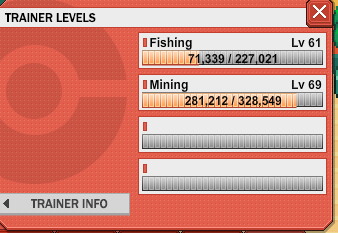
.png.1505709ff75c24145236848098c237f8.png)
-
Hello i don't really play ppo anymore so i kinda came to look for somone who might want me very old dedicated account that i mostly spend me whole life on... it has many lvl 100 pokemon tons of tier 33-66 pokemon to use Many shiny in slot 2 in the pokecenter pc i have 2 legendarys pokemon that i worked 9 months to get and i am a og member of ppo with an account fromthe year 2016 and alot of the staff know me but ofcourse i don't speak with them so easy and same for them. if u took a liking heres some pictures. well i am only doing this cause i needed some money for my wii u cause i need new wii remotes so i was kinda looking for gift cards lol i have no expierence with this kinda stuff lmao