






CarolusRise
Members
-
Joined
-
Last visited
-
and there lies the problem when i start the script it wont load it will freeze the input on ingame and np error or code is given
-
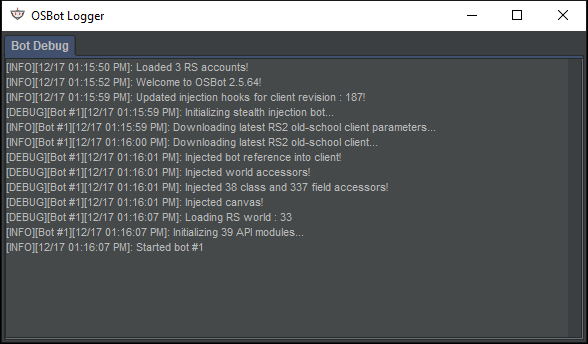
hi i checked the logger and there are none errors it seems to me that either it wont load the script at all or im missing something

-
Hello when i want to test out the script i made it will disable me mouse in-game i cant click anything or when i hover over the bank or such will be just blanc instead of what it supposed to do also it wont even load the script (it does appear on the script menu tho) when i worked on the script i did test almost every single line at the end tho i didnt now when i "backtrack" the end code it wont fix and i cant seem to find the problem this was the end code i romved it but still no improvements else if(getBank().contains("Uncooked pizza")) { getBank().withdrawAll("Uncooked pizza"); getBank().close(); cook.interact(); sleep(2000); if(pbt != null) { pbt.interact(); sleep(18000); } }

