clunge monkey
Members
-
Joined
-
Last visited
-
when i try to change the default programme it doesnt give me the option to use java.
-
fuck man, i really dont get it, it isnt working
-
i installed java yesterday but it continues to open it using opera.
-
Hello Everyone I'm currently having an issue downloading OSBOT on my new computer. it keeps downloading the file using Opera internet so when i click the file it just opens up the download website page. anyone experienced this issue and found a solution? Thanks in advance.

-
is this your attempt at being 'funny' or are you genuinely trying to help me. Im guessing this is some form of firewall issue?
-
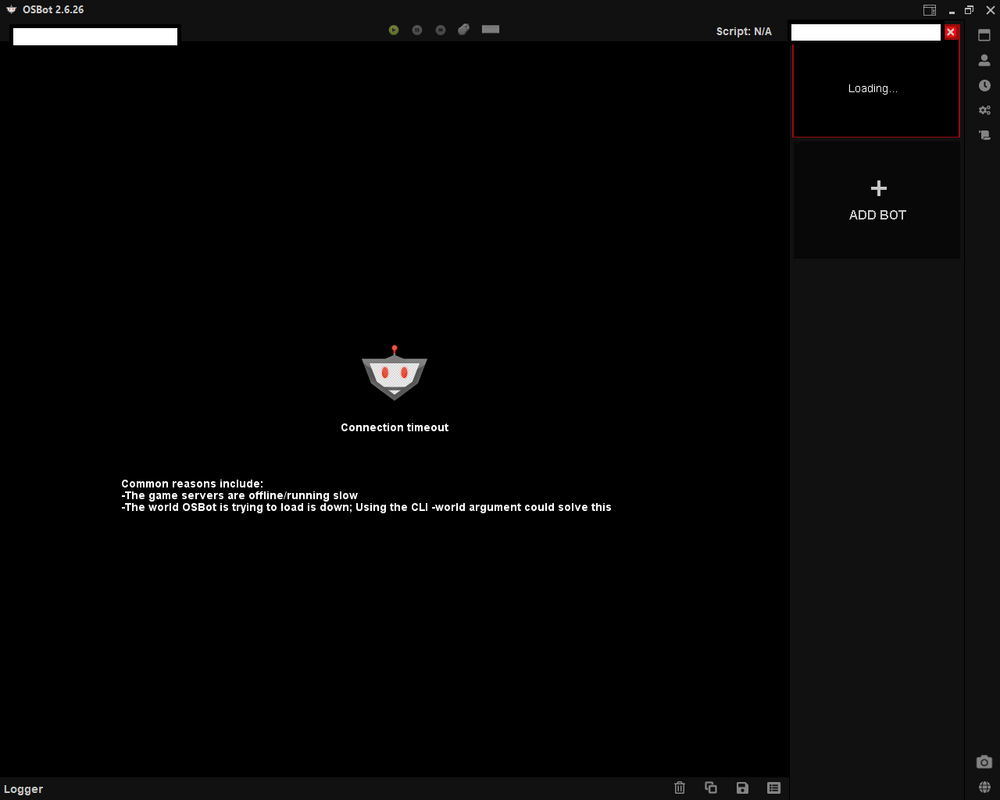
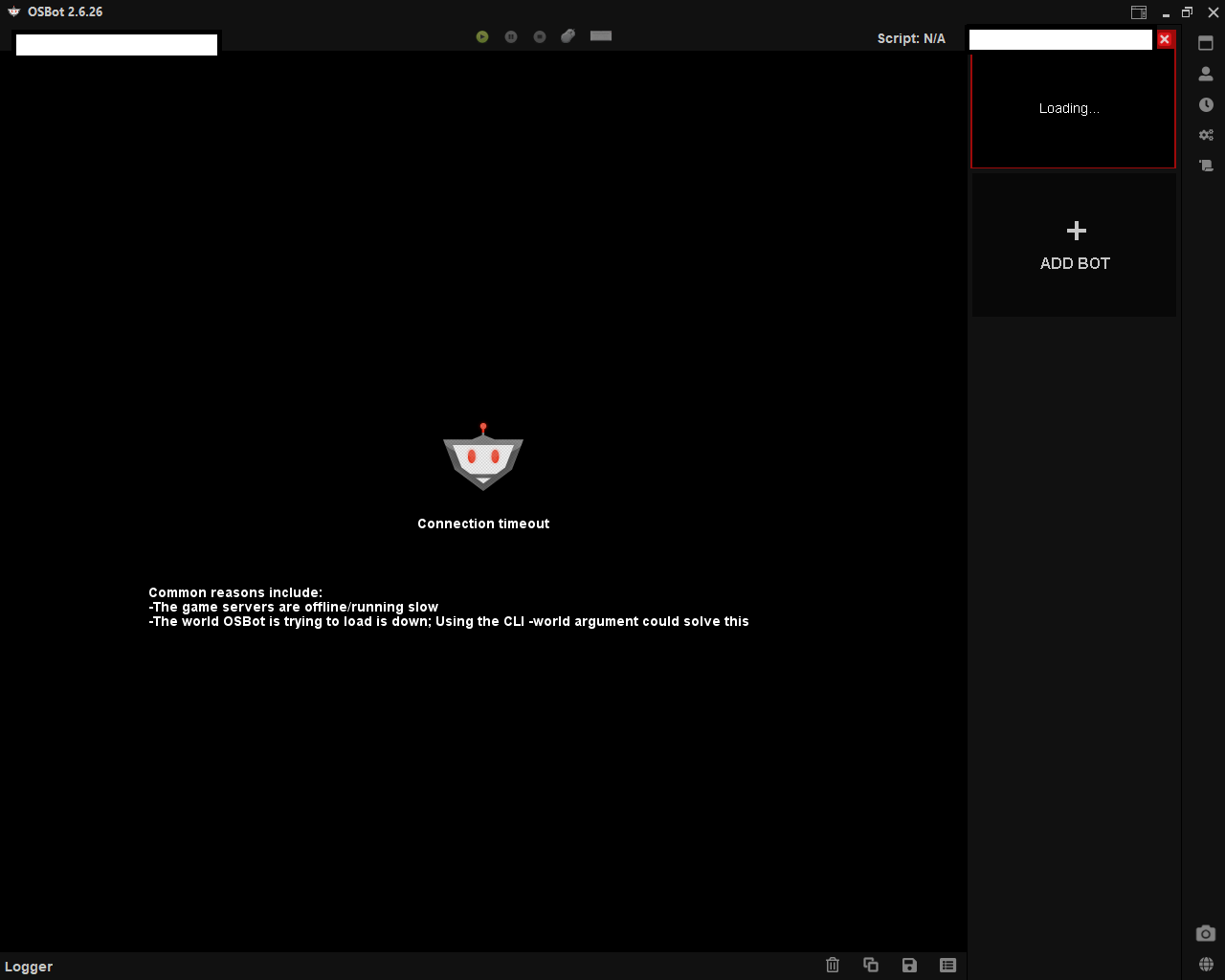
Hello everyone. Ive recently found a computer in my work that allows me to download OSBot. Every time I try to open a bot/account i get the pop up that attached. Any one have any idea on what its means or how I can fix it?