mrjday98
Members
-
Joined
-
Last visited
-
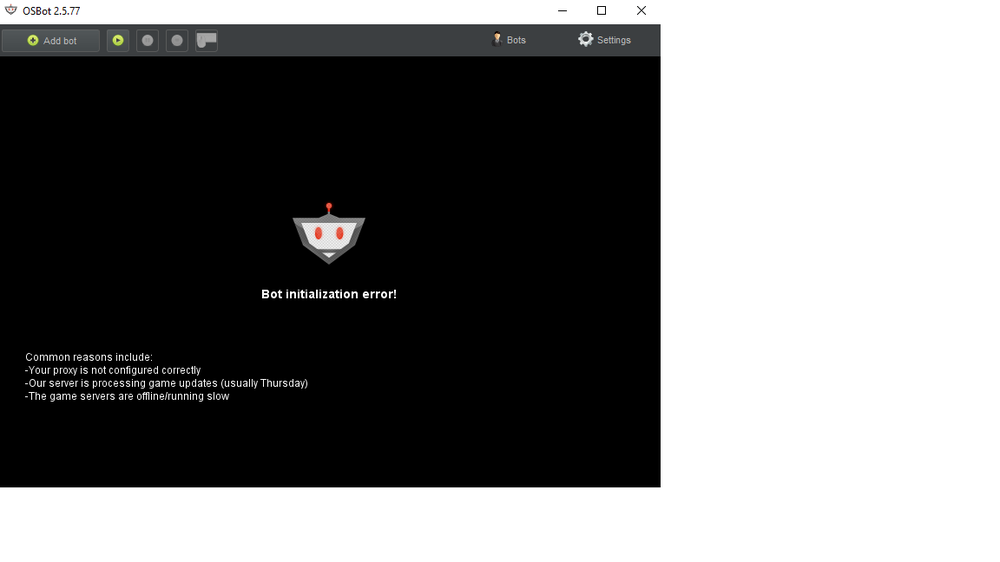
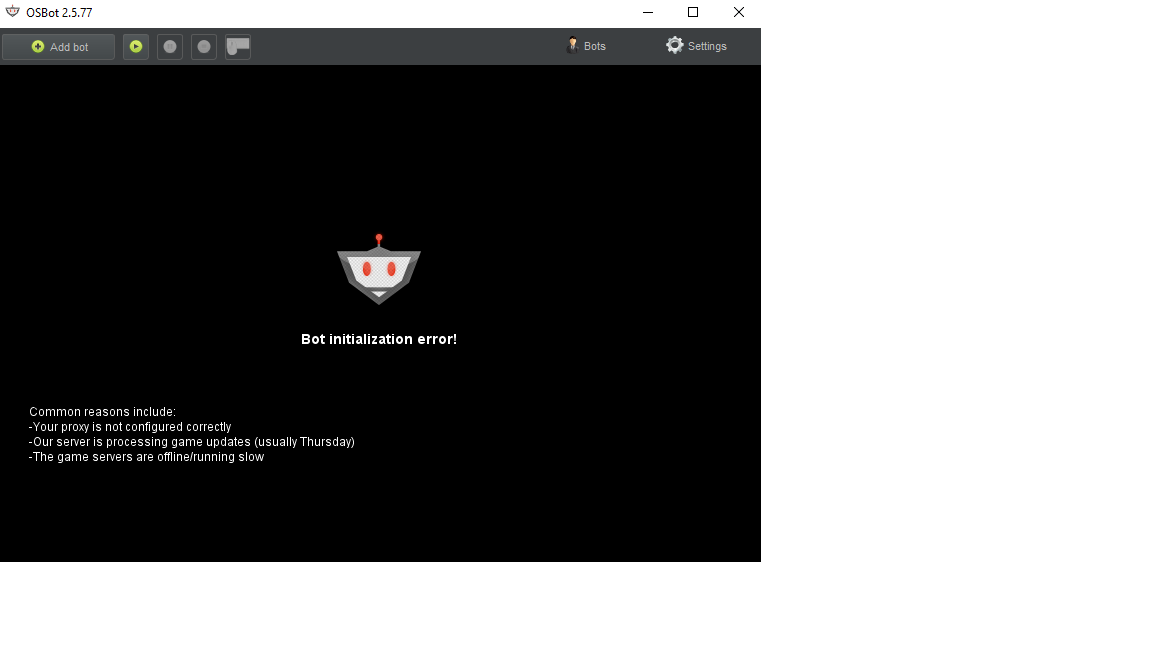
still does the same thing. Are you on teamspeak so i can show you haha.tried that mate. Still same outcome.osrs client wont load. Runelite works a treat. its really confusing. If someone would like to give me a hand my discord is mrjday. Thanks for your help space.what he said haha.its on the name of the thread. stealth injection mate. mirror mode won't work for me. SheepWaffle tried to fix it the other day (mirror mode) so it would work and he changed a bunch of settings and before the normal stealth injection client would work a treat now it does nothing. Sibbernski tried to fix it and cant work it out too he told me to post here. im also clueless.don;t know what those abbreviations mean mateBot failed to initialize! If you are running OSBot from command-line, ensure that the world you entered is valid! If the world you entered is valid, please check the OSBot forums for online/offline status.java.util.zip.ZipException: Not in GZIP format at java.util.zip.GZIPInputStream.readHeader(Unknown Source)[INFO][04/17 10:49:33 PM]: Started bot #1 at java.util.zip.GZIPInputStream.<init>(Unknown Source) at java.util.zip.GZIPInputStream.<init>(Unknown Source) at org.osbot.Lpt7.IiIiIiiIiIIi(dn:149) at org.osbot.core.inject.RS07ClientInjector.inject(nw:94) at org.osbot.rs07.Bot.initialize(ml:307) at org.osbot.md.IiIiIiiIiIIi(qx:254) at org.osbot.md.IiIiIiiIiIIi(qx:209) at org.osbot.Cc.IiIiIiiIiIIi(fz:168) at java.util.concurrent.ThreadPoolExecutor.runWorker(Unknown Source) at java.util.concurrent.ThreadPoolExecutor$Worker.run(Unknown Source) at java.lang.Thread.run(Unknown Source)