wash n rinse
Members
-
Joined
-
Last visited
Everything posted by wash n rinse
-
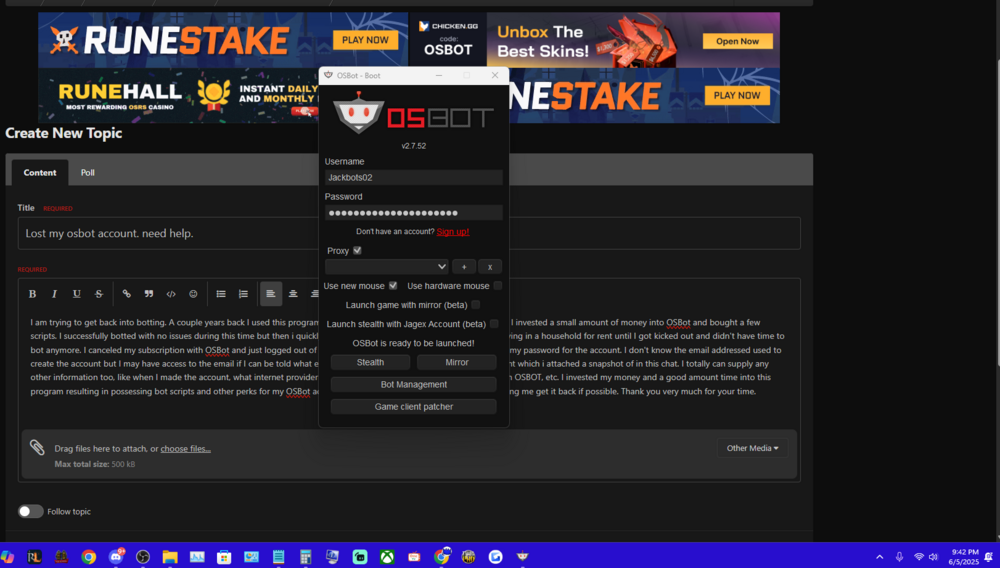
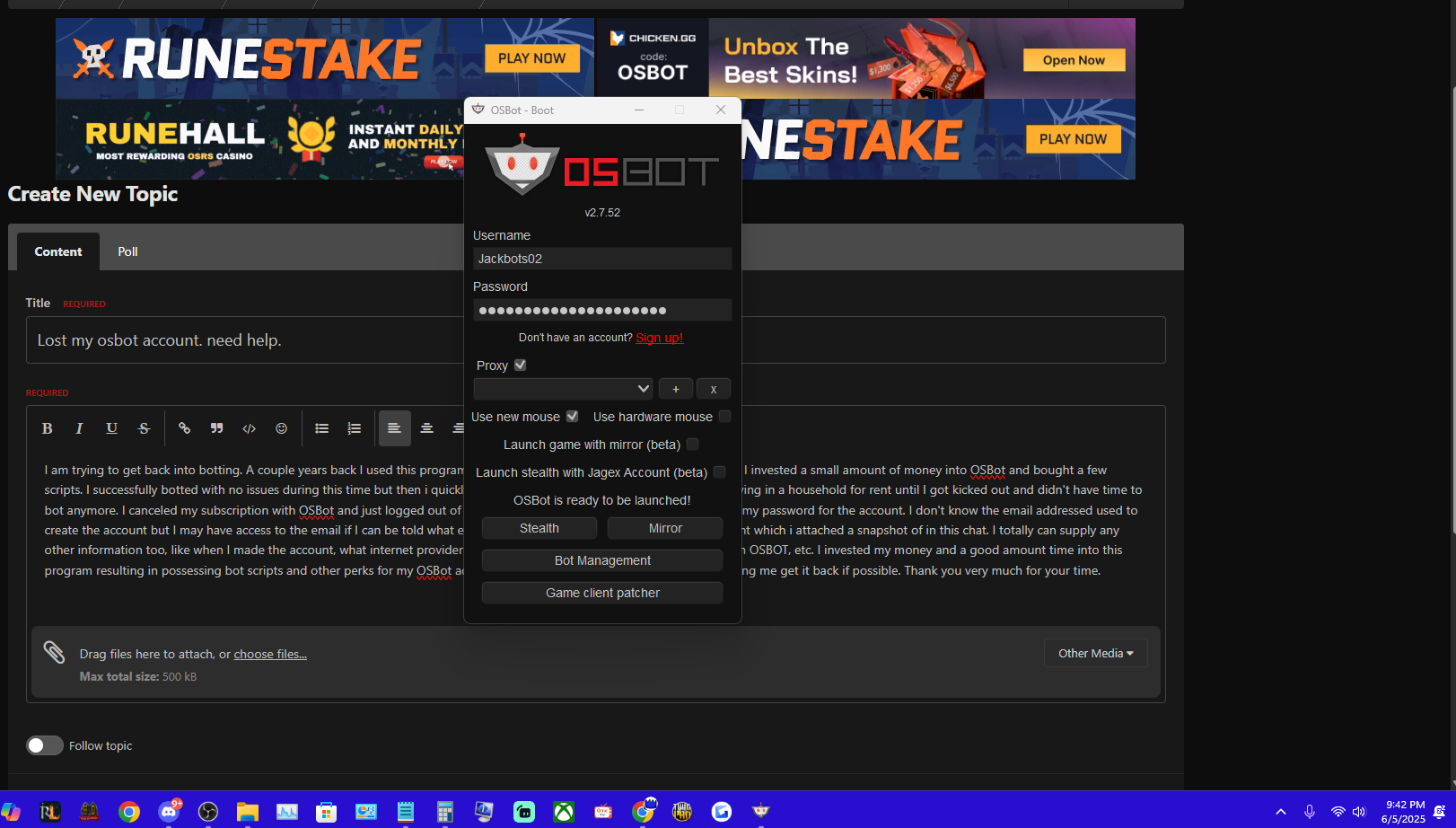
I am trying to get back into botting. A couple years back I used this program to create an account and start making bot farms. I invested a small amount of money into an OSBot account and bought a few scripts along with 2 subscriptions I believe. I successfully botted with no issues with this account during this time but then i got kicked out of my apartment and didn't have time to bot anymore, never mind access my computer. I canceled my subscription with OSBot and just logged out of my account. Problem is now 2 years later, I forgot my password for the account. I don't know the email addressed used to create the account but I may have access to the email if I can be told what email was used for creation. The account name is: Jackbots02 . I also still have the account info saved within the OSBot client which i attached a snapshot of in this chat. I totally can supply any other information too, like when I made the account, what internet provider I used at the time, what OSRS accounts i used with OSBOT, etc. I invested my money and a good amount time into this program resulting in possessing bot scripts and other perks for my OSBot account. I would hate to lose the value on my account ... I would really appreciate any effort in helping me get it back if possible. Thank you very much for your time.