BVRT
Members
-
Joined
-
Last visited
-
Always getting banned depends on what you do how you do it but it's probably always going to be unavoidable
-
Thank you it's nice to be here and nice to meet you
-
Thank you very much! i hope to be around for awhile
-
Honestly have no idea but i'd assume if you were going to sell a decent level account like a Zulrah account you'd want to be able to secure it (especially as the person may not chose to bot with that account) But i dunno ?
-
I recommend you change you ip address every 6 hours Clear all .dat files to do with runescape reinstall the client And change your HWID. That should avoid you being chain banned, All though if one account does get banned i suspect almost all accounts at Zulrah to also be banned (others besides yours)
-
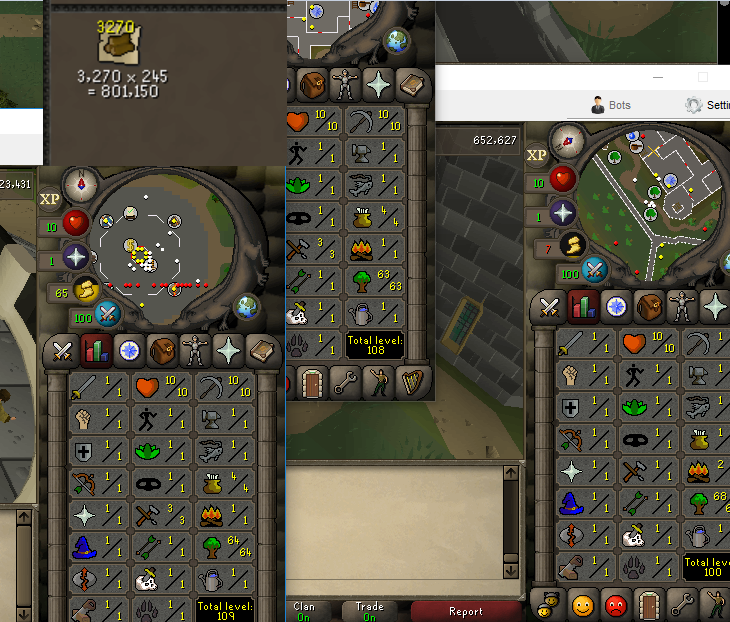
Hello everybody it's nice to meet you i'v been around the botting community a few years now but have always remained absent among the community aspect of osbot so it's my pleasure to formally introduce myself I'm Bvrt It's lovely to finally meet you all. Any questions if you want to try to get to know me or just anything at all feel free I'll answer them Here is a photo of a little woodcutting farm i had to see how long it would take before they got banned (it was 5 days)