Davey Spros
Members
-
Joined
-
Last visited
-
Hi guys, Yesterday I used osbot for the first time with the runecrafting bot of Khaleesi. Today I logged in and around 12M is stolen from my account. I'm glad I didn't used this bot on my main account. Did I do anything wrong or is this bot just not safe?
-
Thanks, I will check it out
-
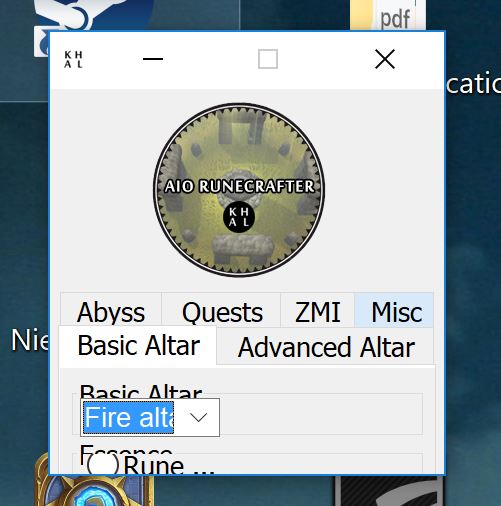
Thanks for the replies. I got the program running, just have one more problem. As you can see in the picture, my window is so small that I can't select all options. I have a laptop so changing monitor is not a option. Anyone a clue?
-
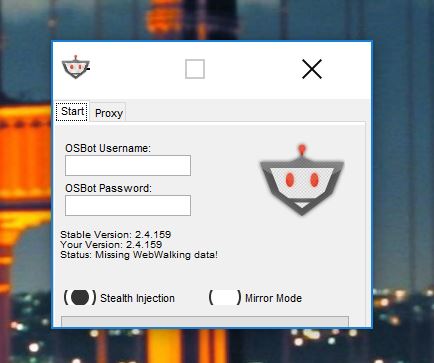
Hi there! I just downloaded OSbot and cant manage to login. I fill in my emailaddress and password or rs username and password and it doesn't do anything. As you can see in the attachement my screen is very tiny and there is no ''continue'' button. I don't know much of this kind of programmes so maybe someone can help me!