redcut2
Members
-
Joined
-
Last visited
-
I've done that already though, thanks for your help anyway!
-
Any help? Still doesn't work
-
I'm not using any proxy and no, my firewall isnt blocking it game update doesnt it come every thursday? I got this yesterday.
-
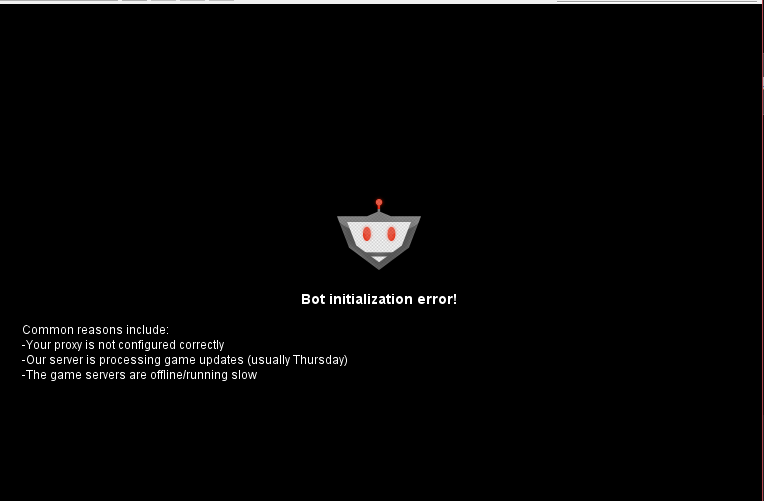
Hello all, I've been getting this error ever since osbot 2.5.8. Before 2.5.8 it was doing fine. The logger shows this: [INFO][05/14 04:28:27 PM]: Loaded 1 RS account! [INFO][05/14 04:28:28 PM]: Welcome to OSBot 2.5.8! [INFO][05/14 04:28:36 PM]: Updated injection hooks for client revision : 170! [DEBUG][Bot #1][05/14 04:28:36 PM]: Initializing stealth injection bot... [INFO][Bot #1][05/14 04:28:36 PM]: Downloading latest RS2 old-school client parameters... [INFO][Bot #1][05/14 04:28:41 PM]: Downloading latest RS2 old-school client... [INFO][05/14 04:28:44 PM]: Started bot #1 Does anyone know how to fix this?