



Jump to content
View in the app

A better way to browse. Learn more.

OSBot :: 2007 OSRS Botting

A full-screen app on your home screen with push notifications, badges and more.

To install this app on iOS and iPadOS
  1. Tap the Share icon in Safari
  2. Scroll the menu and tap Add to Home Screen.
  3. Tap Add in the top-right corner.
To install this app on Android
  1. Tap the 3-dot menu (⋮) in the top-right corner of the browser.
  2. Tap Add to Home screen or Install app.
  3. Confirm by tapping Install.

JellowZima

Members
  • Joined

  • Last visited

  1. JellowZima changed their profile photo
  2. JellowZima replied to Dex's topic in Gallery
    Wow , so clean !! Nice work
  3. Gl with this !
  4. Gl mate ! Nice song btw ;)
  5. Père Edwin 4 president !! Plox
  6. JellowZima replied to umFlak's topic in Price Check
    60-80 M, nice acc
  7. 45-55M max
  8. Thanks mate , keep the good work
  9. JellowZima replied to NLREX's topic in Price Check
    80-95M
  10. nice video sir, the part with the music was the best !
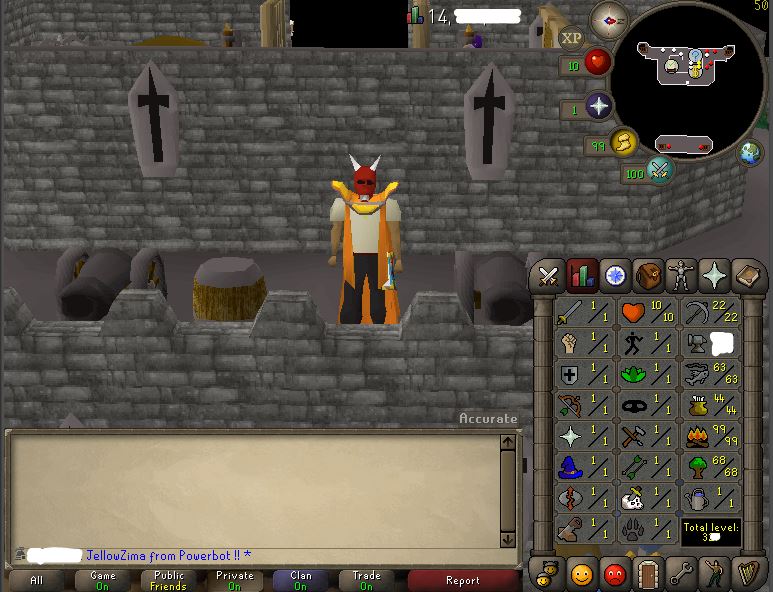
  11. Need a PC for my level 3 ironman skiller ! The account also have 5m in bank Thanks !
Account

Navigation

Search

Configure browser push notifications

Chrome (Android)
  1. Tap the lock icon next to the address bar.
  2. Tap Permissions → Notifications.
  3. Adjust your preference.
Chrome (Desktop)
  1. Click the padlock icon in the address bar.
  2. Select Site settings.
  3. Find Notifications and adjust your preference.
