Jump to content
View in the app

A better way to browse. Learn more.

OSBot :: 2007 OSRS Botting

A full-screen app on your home screen with push notifications, badges and more.

To install this app on iOS and iPadOS
  1. Tap the Share icon in Safari
  2. Scroll the menu and tap Add to Home Screen.
  3. Tap Add in the top-right corner.
To install this app on Android
  1. Tap the 3-dot menu (⋮) in the top-right corner of the browser.
  2. Tap Add to Home screen or Install app.
  3. Confirm by tapping Install.

NRork

Members
  • Joined

  • Last visited

Everything posted by NRork

  1. How would one change the aspect ratio? I don't think it is possible within Windows 10. I do indeed have a 4k screen I am running. I've gone through the screen resolution settings and nothing seems to work well with the client. I don't think I'm savvy enough to edit an install file so I will just deal with the problem or output my video to another source.
  2. My personal computer.
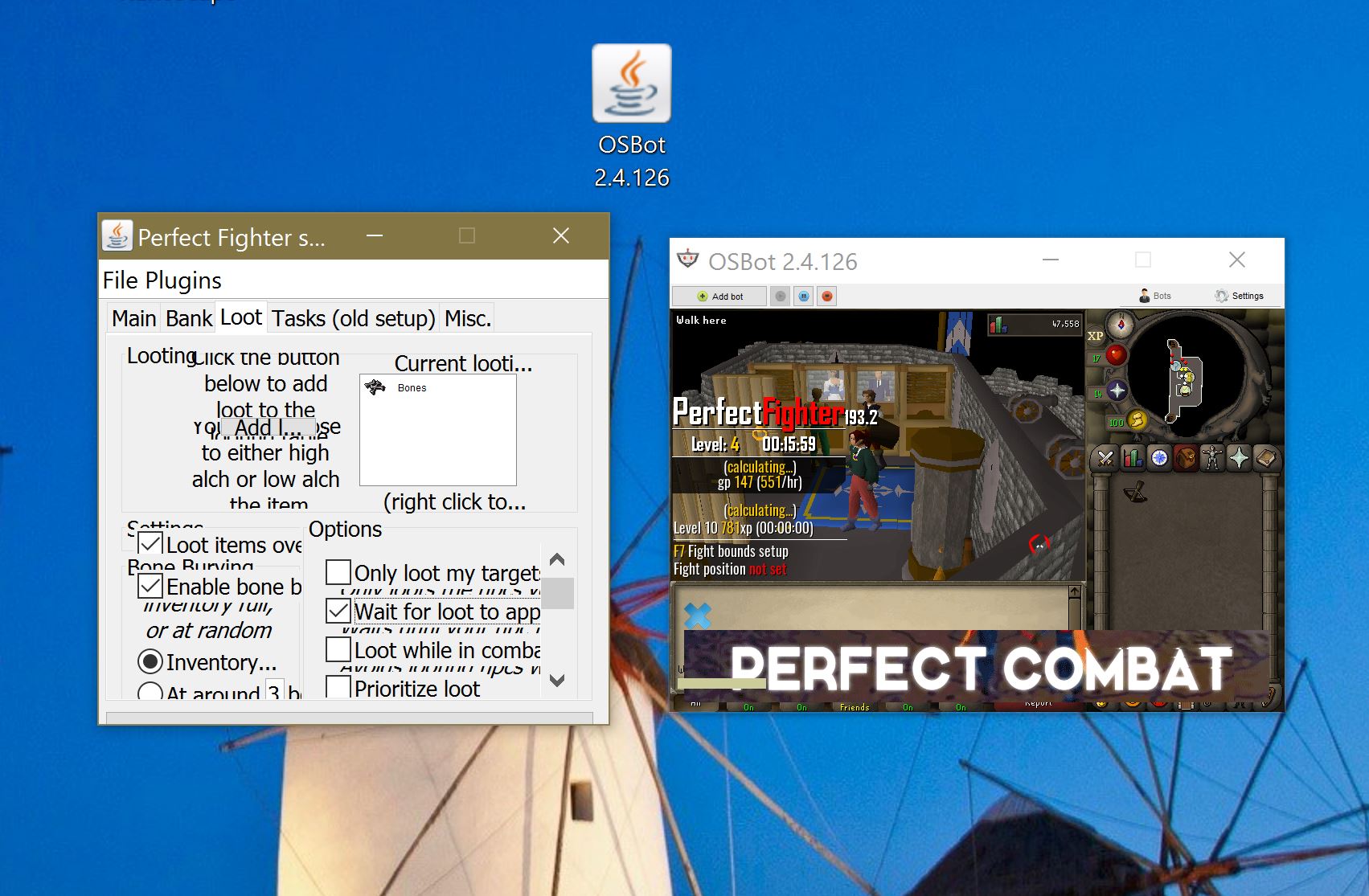
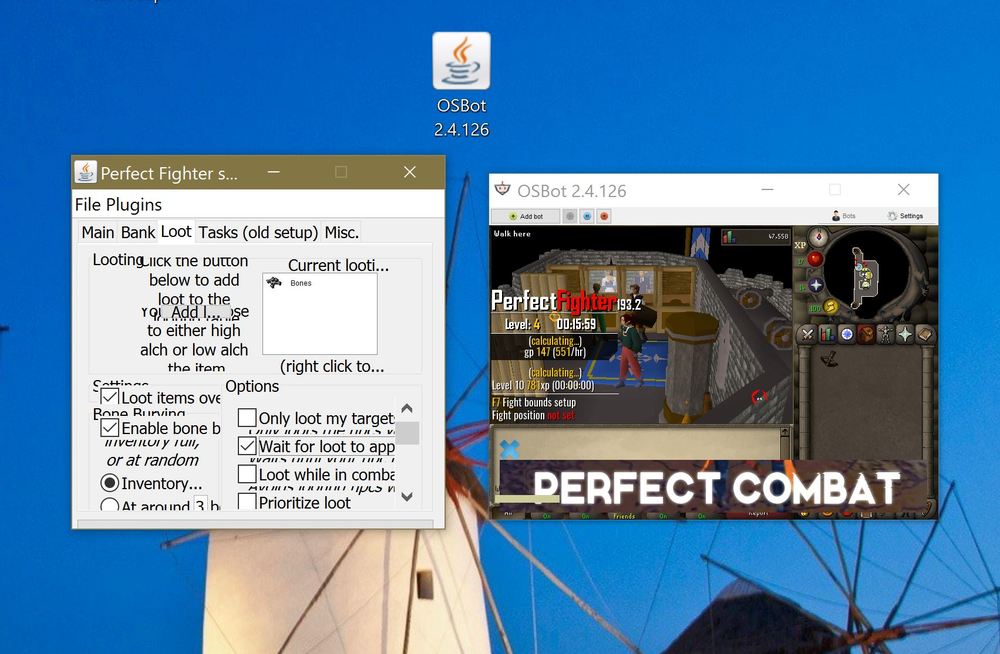
  3. I cannot figure out how to increase the client window size. The typical cursor arrow to widen the window does not appear nor the maximize option. I cannot figure out how to increase the size. Until I increase the size, I am not able to read or view options for the scripts I have purchased. Any tips on increasing the window size? Below is an image of scale to a typical desktop icon size.

Account

Navigation

Search

Configure browser push notifications

Chrome (Android)
  1. Tap the lock icon next to the address bar.
  2. Tap Permissions → Notifications.
  3. Adjust your preference.
Chrome (Desktop)
  1. Click the padlock icon in the address bar.
  2. Select Site settings.
  3. Find Notifications and adjust your preference.