Zain
Members
-
Joined
-
Last visited
Everything posted by Zain
-
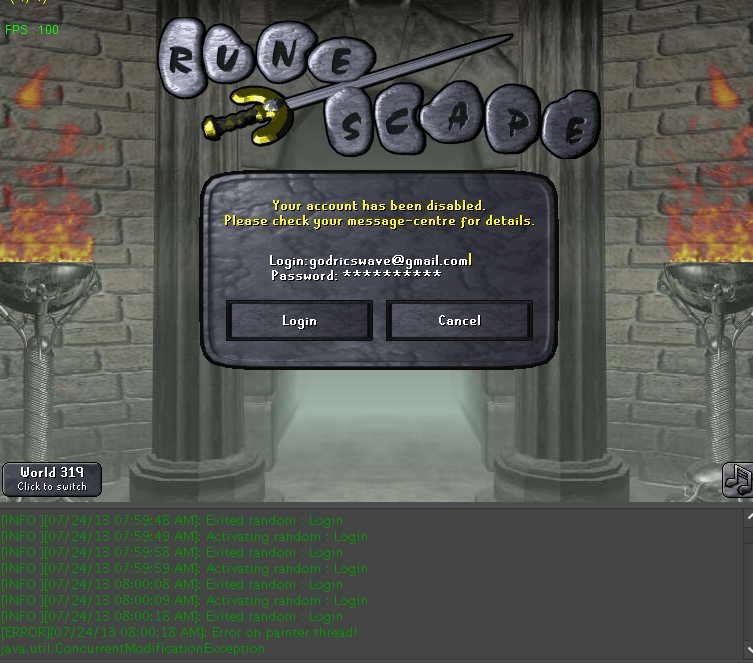
Hi Eric, Not sure if you remember me but I had used your stronghold script and was posting suggestions for you. Since the other script worked really well, I thought I would give this a go. I started this script around 2 am last night. Its about 8 am and I have been banned. The bot failed to exit a random. Not sure why, but you might want to look into it. Thanks as always. Zain
-
The only thing I see wrong here is the map. Select the floor 2 and then add fresh crawlers.
-
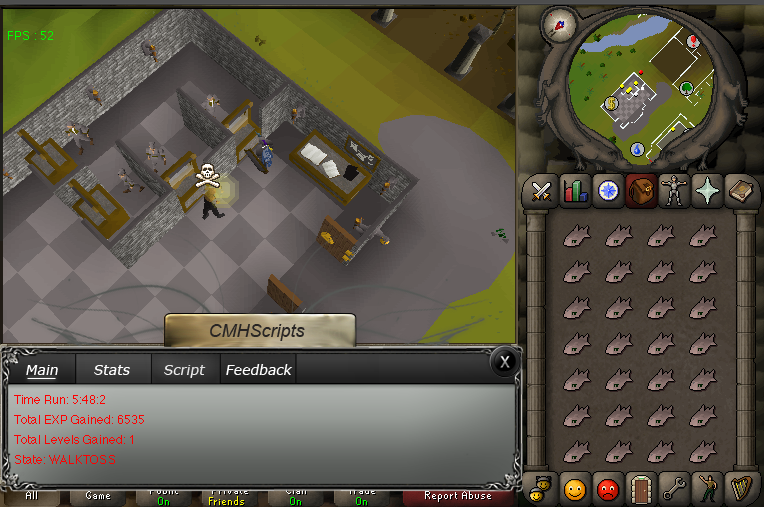
So I ran this bot last night. The fighting part works fine, but the randoms screw it up a bit. - when you start the script, the frog cave random starts up, and you have to press pause to make it start up properly. - It doesn't complete the mysterious box properly, over night it was stuck at edgeville bank with full inventory of mysterious boxes. - It also moves in the doors randomly, not sure why. I think its the anti ban. The banking works fine, nothing wrong with that. Also the "X" to hide the paint doesn't always work. So its hard to click on dialogues. I am attaching a screen of the script running over night.
-
Eric, You are the best! I have never seen someone reply this fast and fix it as well. You are truly the best. Keep up the great work! I will post proggies soon
-
Hi Eric, Hope you are well. I saw the proggies and I must say the script looks awesome! I downloaded the script and it asked for user and pass. I didn't have so I created one. After I created one, the OSBot client went unresponsive. Not sure what happen. I had to force quit it. I didn't receive any email nor confirmation regarding the login credentials. Also, the dude above me needs to be polite ^ - Its not like he has done anything for the community.