

Jump to content
View in the app

A better way to browse. Learn more.

OSBot :: 2007 OSRS Botting

A full-screen app on your home screen with push notifications, badges and more.

To install this app on iOS and iPadOS
  1. Tap the Share icon in Safari
  2. Scroll the menu and tap Add to Home Screen.
  3. Tap Add in the top-right corner.
To install this app on Android
  1. Tap the 3-dot menu (⋮) in the top-right corner of the browser.
  2. Tap Add to Home screen or Install app.
  3. Confirm by tapping Install.

edertorres

Members
  • Joined

  • Last visited

  1. great guide thank you very much!
  2. im looking to donate to osbot , how can i?
  3. the 99% of the accounts have registered email
  4. i was looking to sell for 200m or so but im new on here
  5. kk then time to start making reputation ? thank you
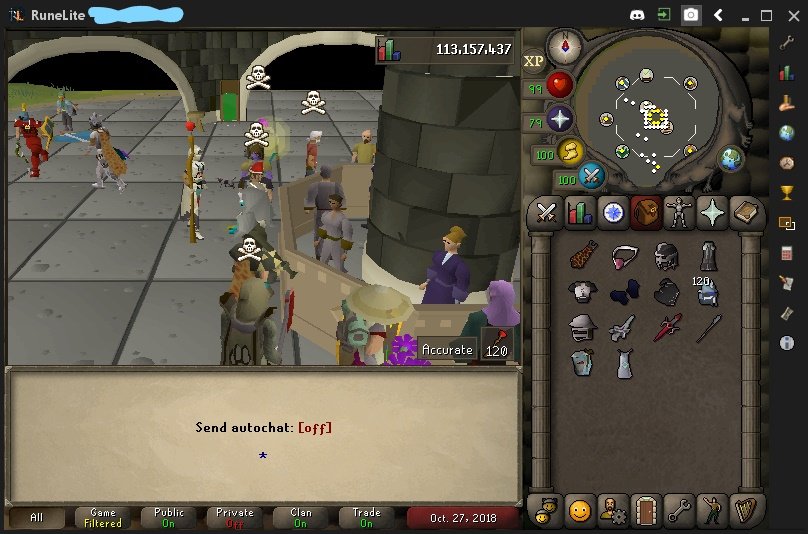
  6. hello to all, just come back to rs and i got a main i dont use it anymore. I wana know how much is it worth , thank you to all! https://imgur.com/a/2Jo2Wrf https://imgur.com/a/PHMnubv
  7. Buying 70m osrs gp via paypal. Thanks

Account

Navigation

Search

Configure browser push notifications

Chrome (Android)
  1. Tap the lock icon next to the address bar.
  2. Tap Permissions → Notifications.
  3. Adjust your preference.
Chrome (Desktop)
  1. Click the padlock icon in the address bar.
  2. Select Site settings.
  3. Find Notifications and adjust your preference.