tirana
Members
-
Joined
-
Last visited
-
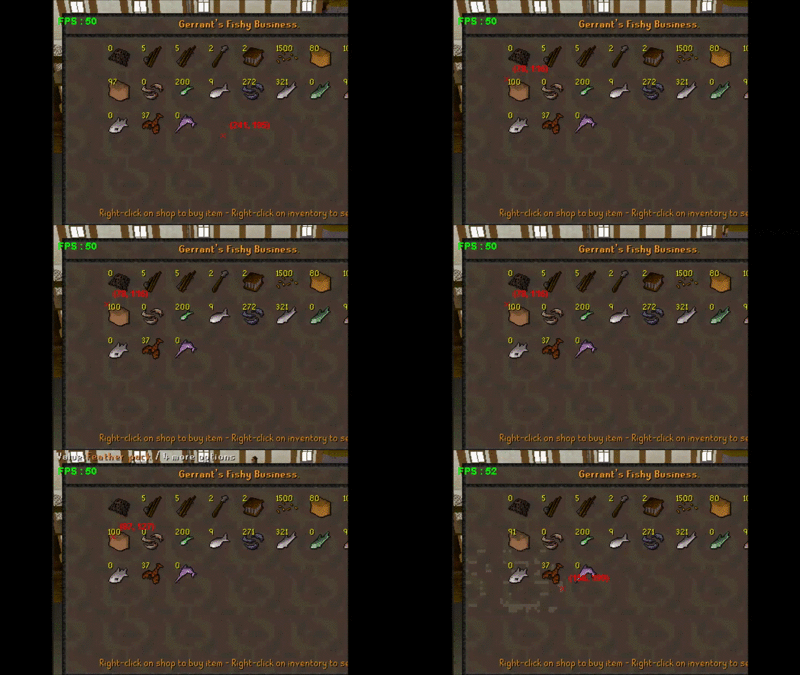
It will sleep enough. Bot will open shop with no feather packs, then buy 10. After packs appears in inventory condition breaks, it will close shop and open them. Repeat. Btw, sleep prevents script to run buy task again(if small lag spike appears, and items appears in inventory after 500ms or so).
-
So just noticed, that sometimes it fails to interact with shop. Happens like every 5 minutes, sometimes few times in a minute. Although, it's not the missclick itself, becouse sometimes he does missclick on item, or missclicks to buy, but re-tries instantly. I'm quite sure its not code if (sA.store.isOpen()) { if (sA.store.getAmount("Feather pack") == 100) { if (sA.store.interact("Buy 10", "Feather pack")) { return new ConditionalSleep(1250) { @Override public boolean condition() throws InterruptedException { return sA.inventory.contains("Feather pack"); } }.sleep(); } } }